

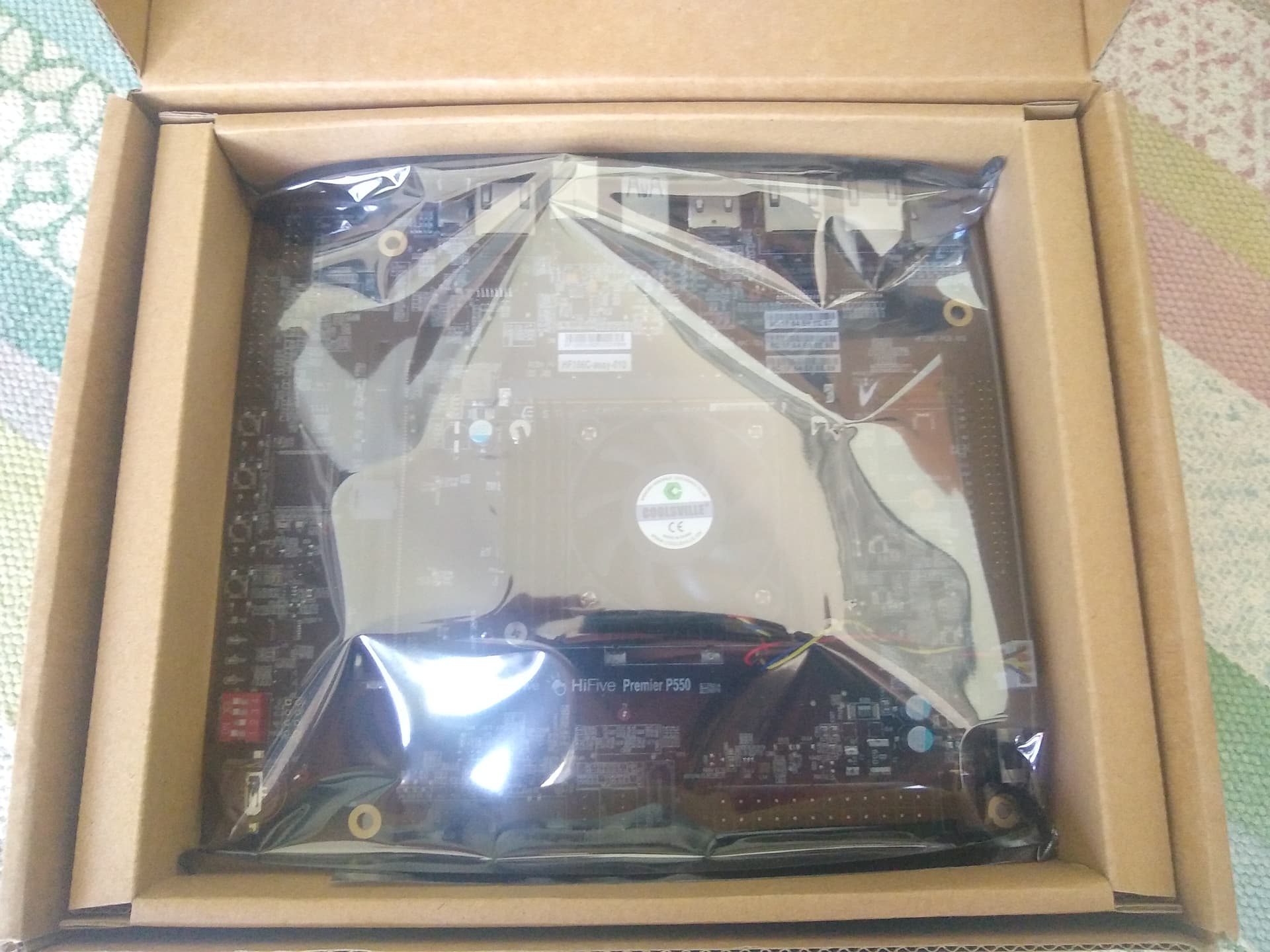
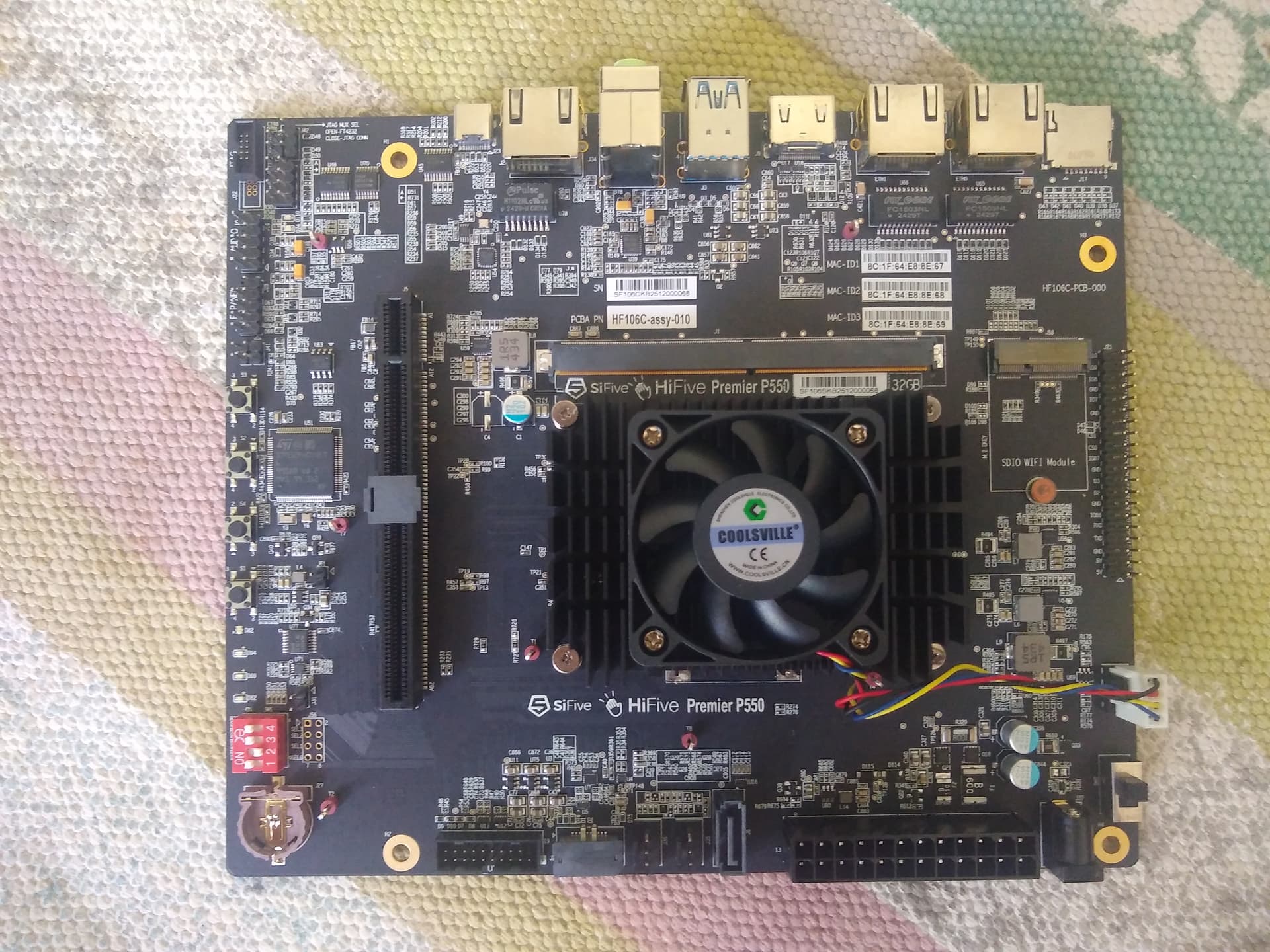
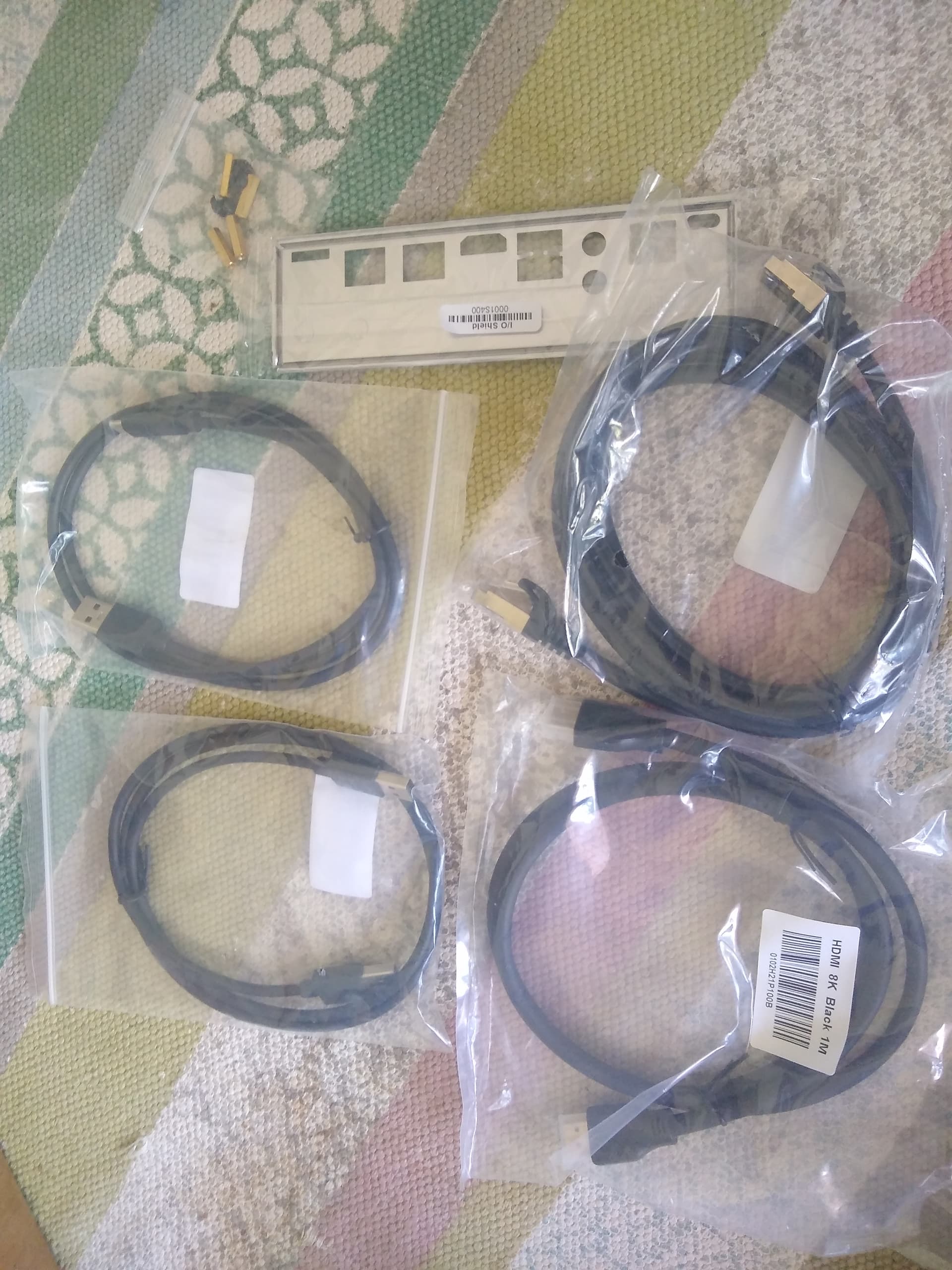
Hardware
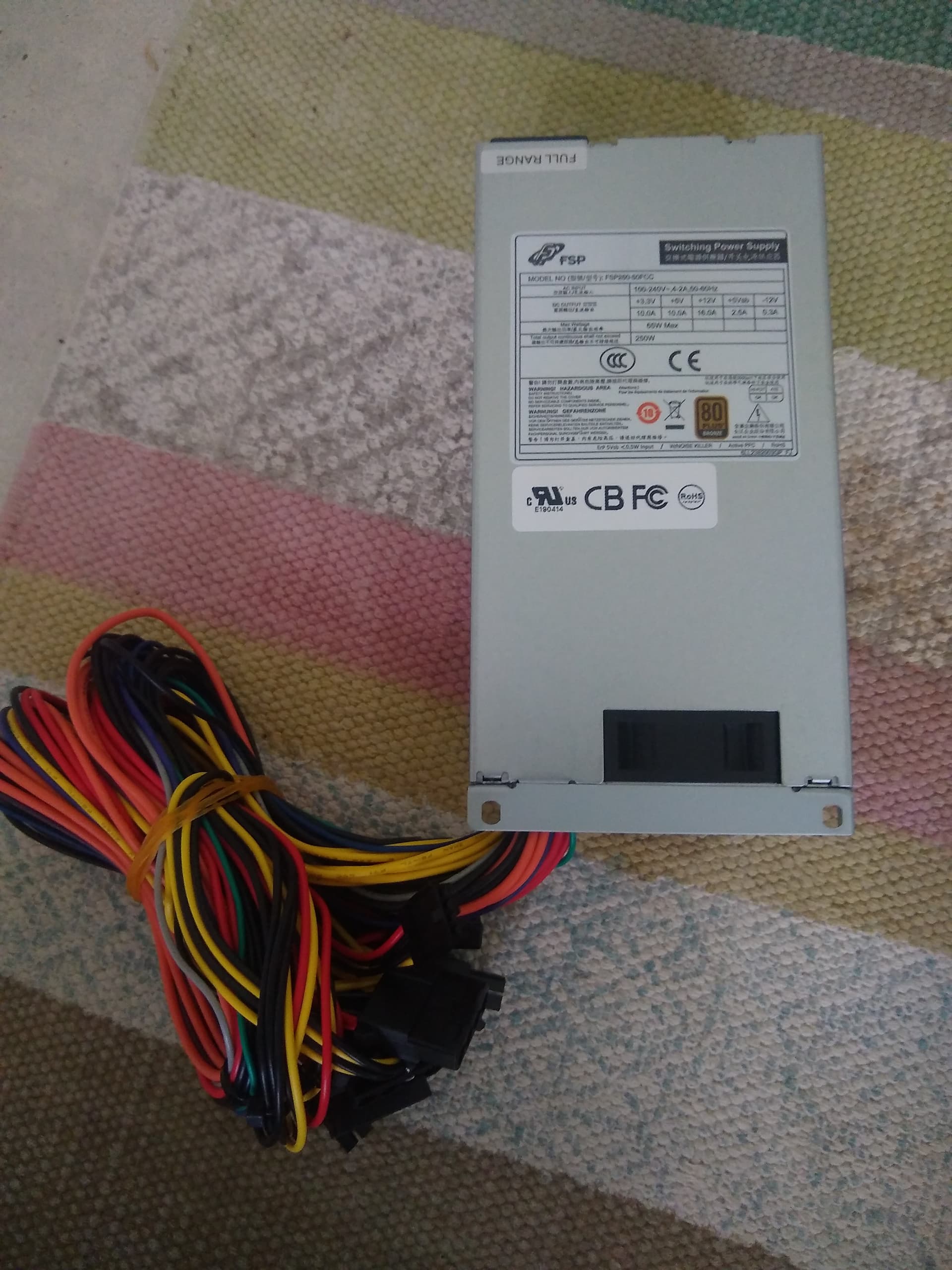
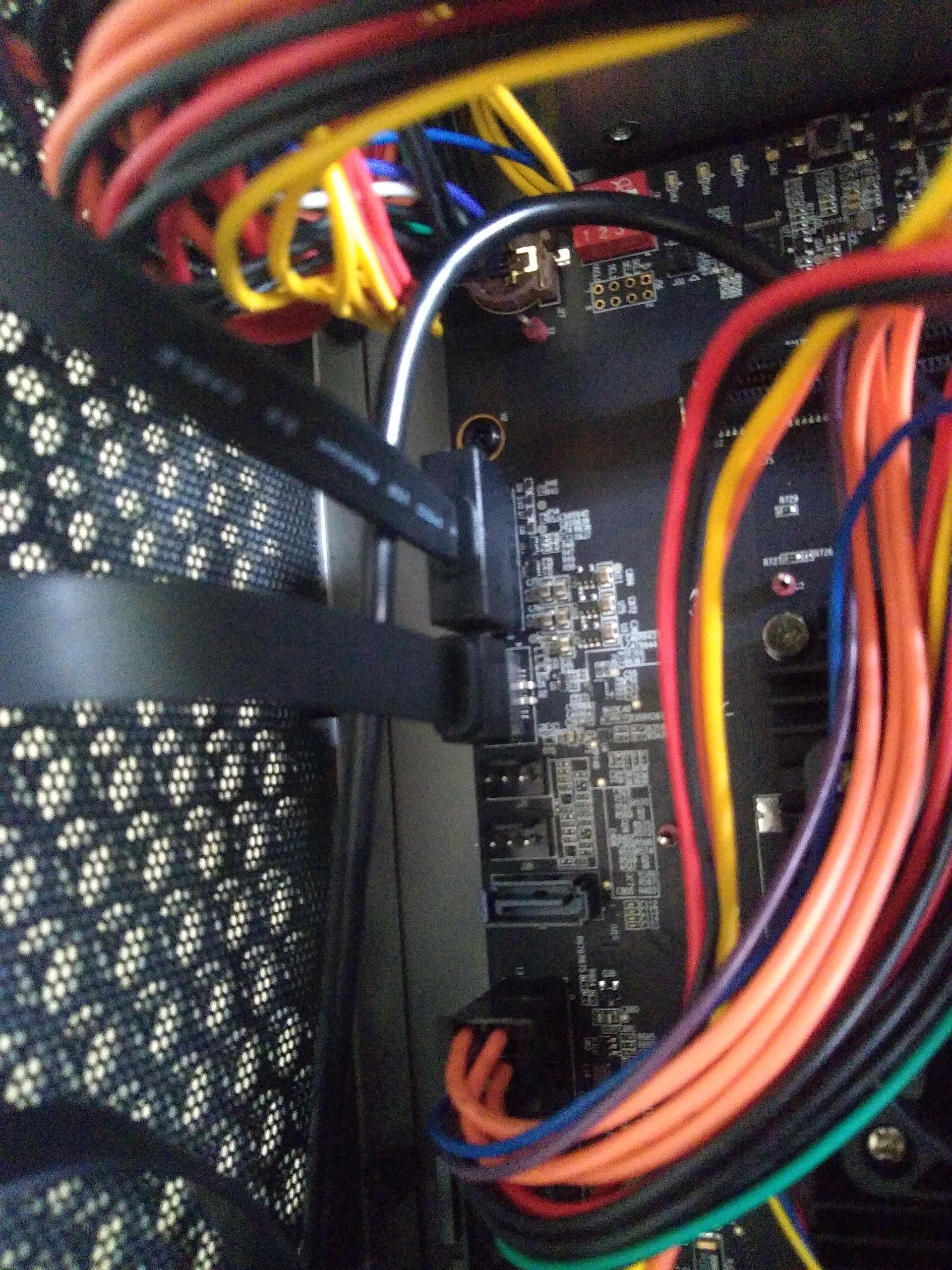
Connect to the ATX power supply. First connect the 4 pins and then the 20 pins.
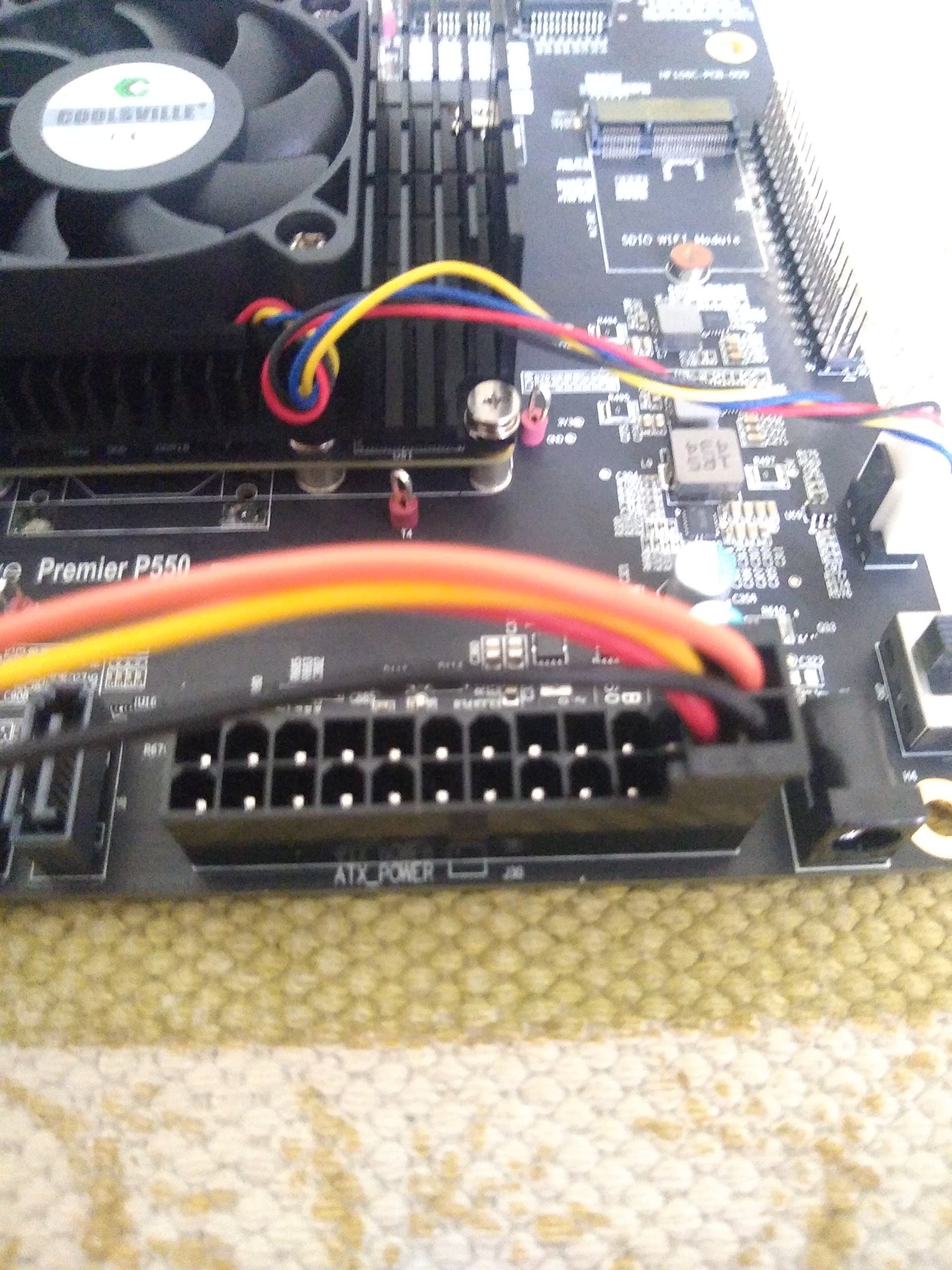
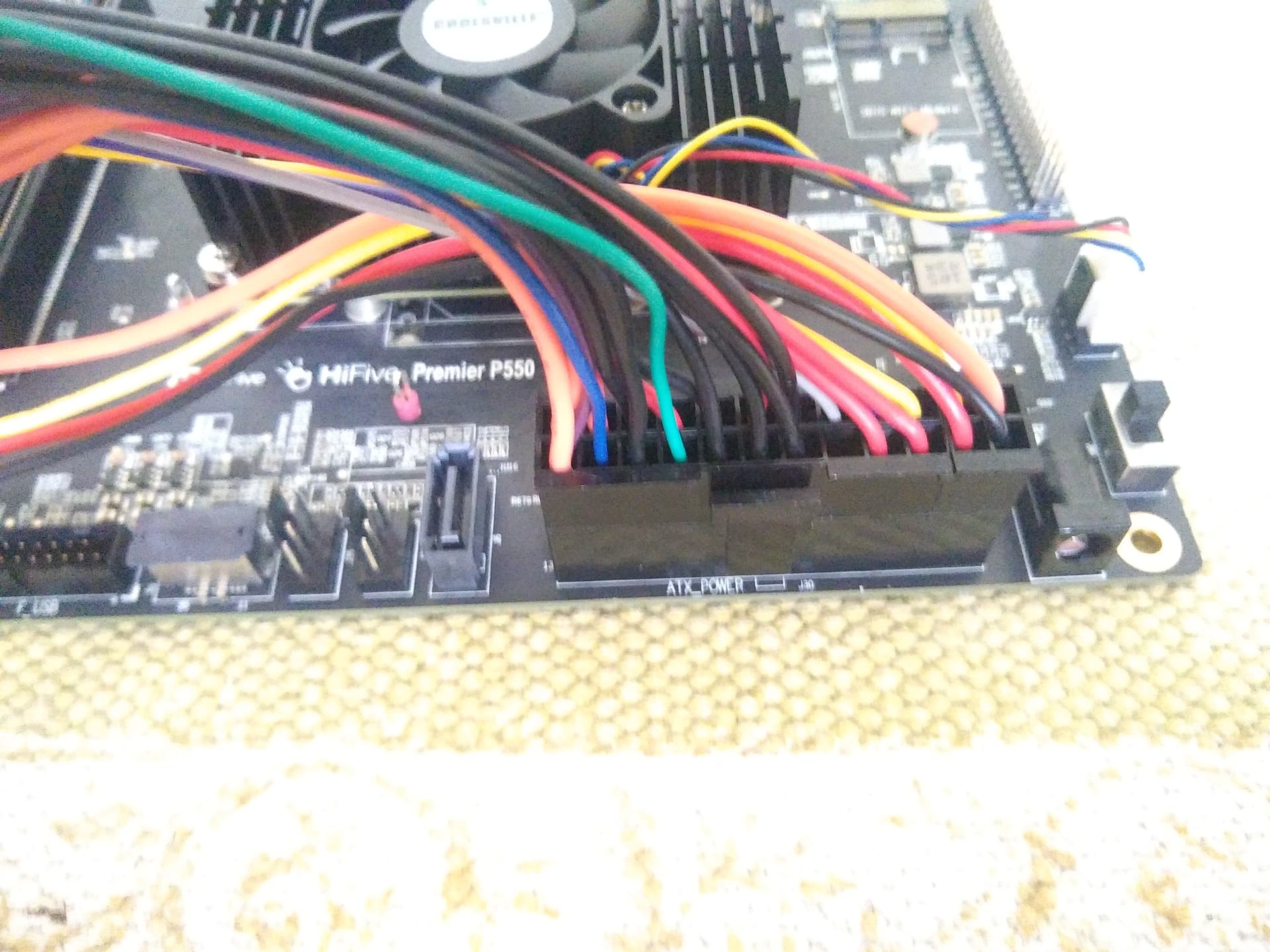
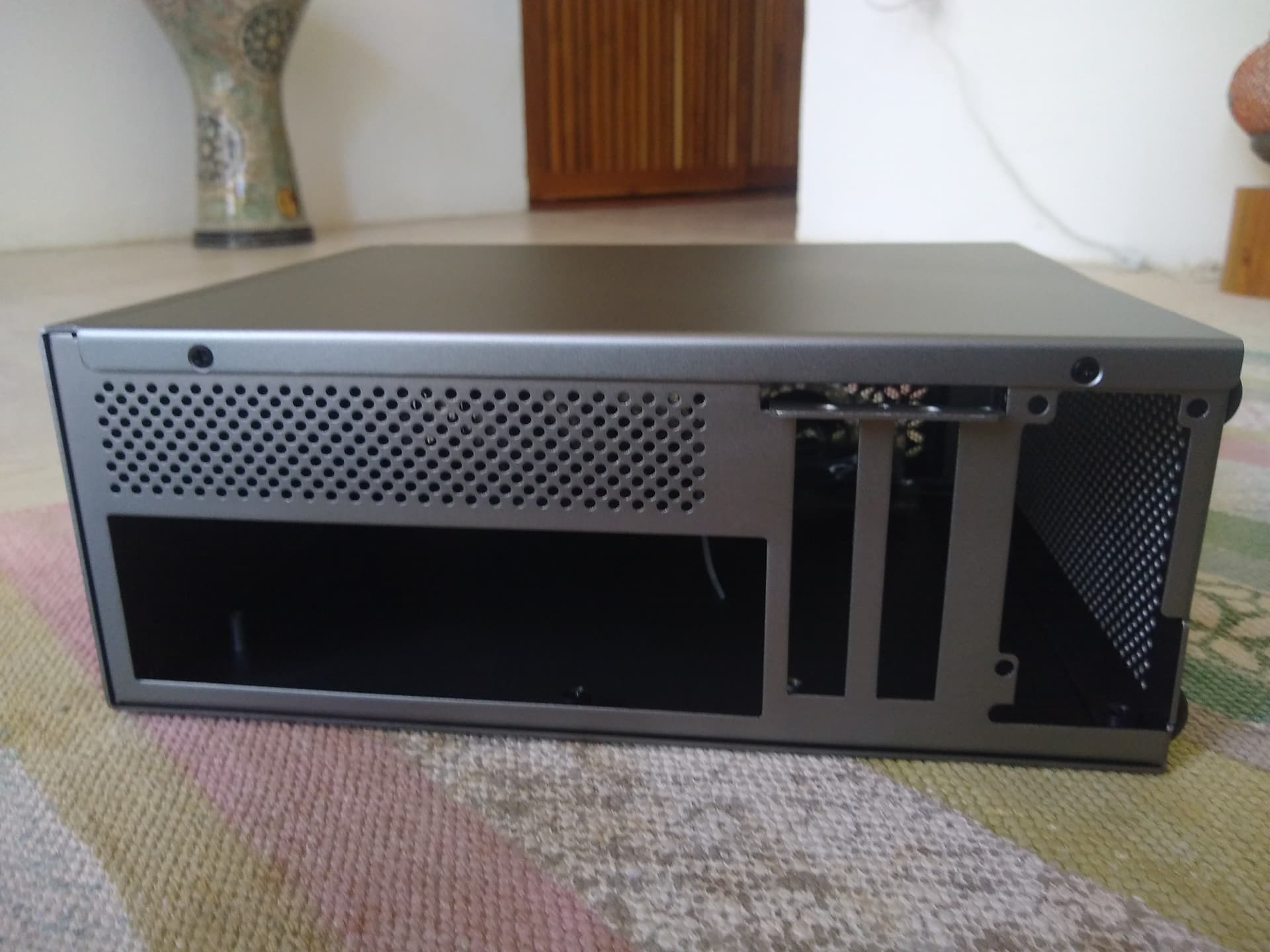
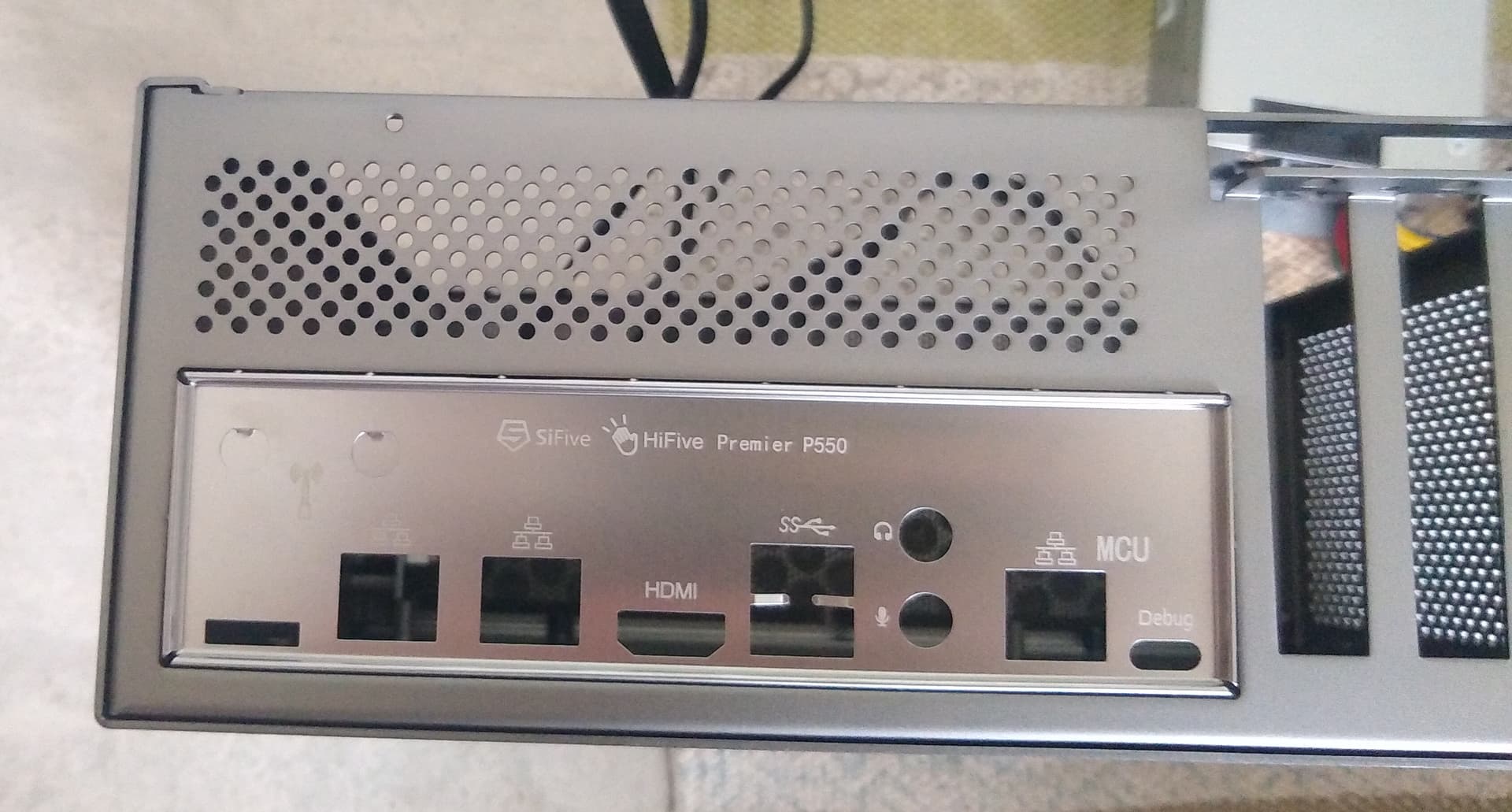
Now put the cover for the ports in the back.
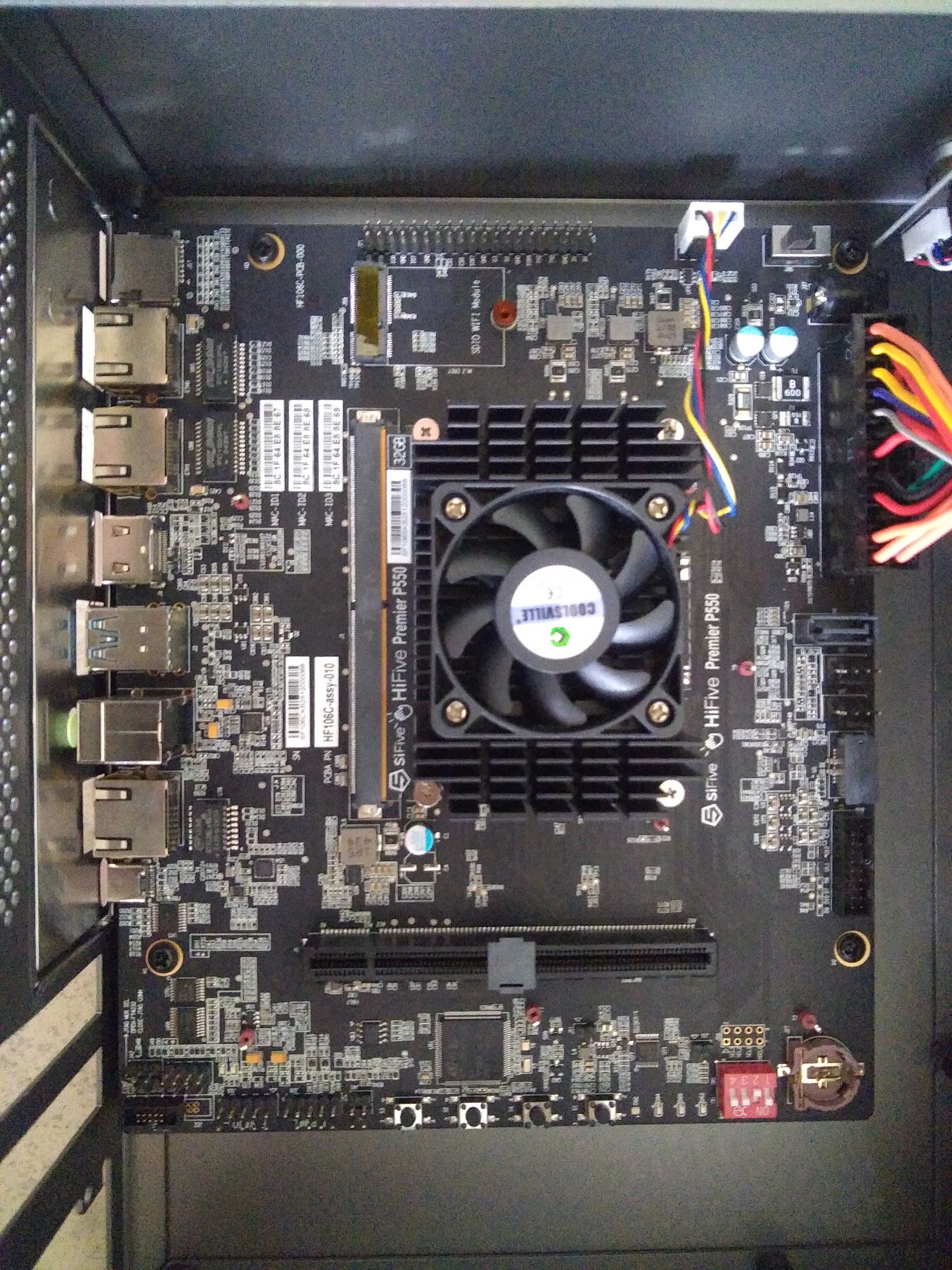
Install the motherboard with 4 screws.
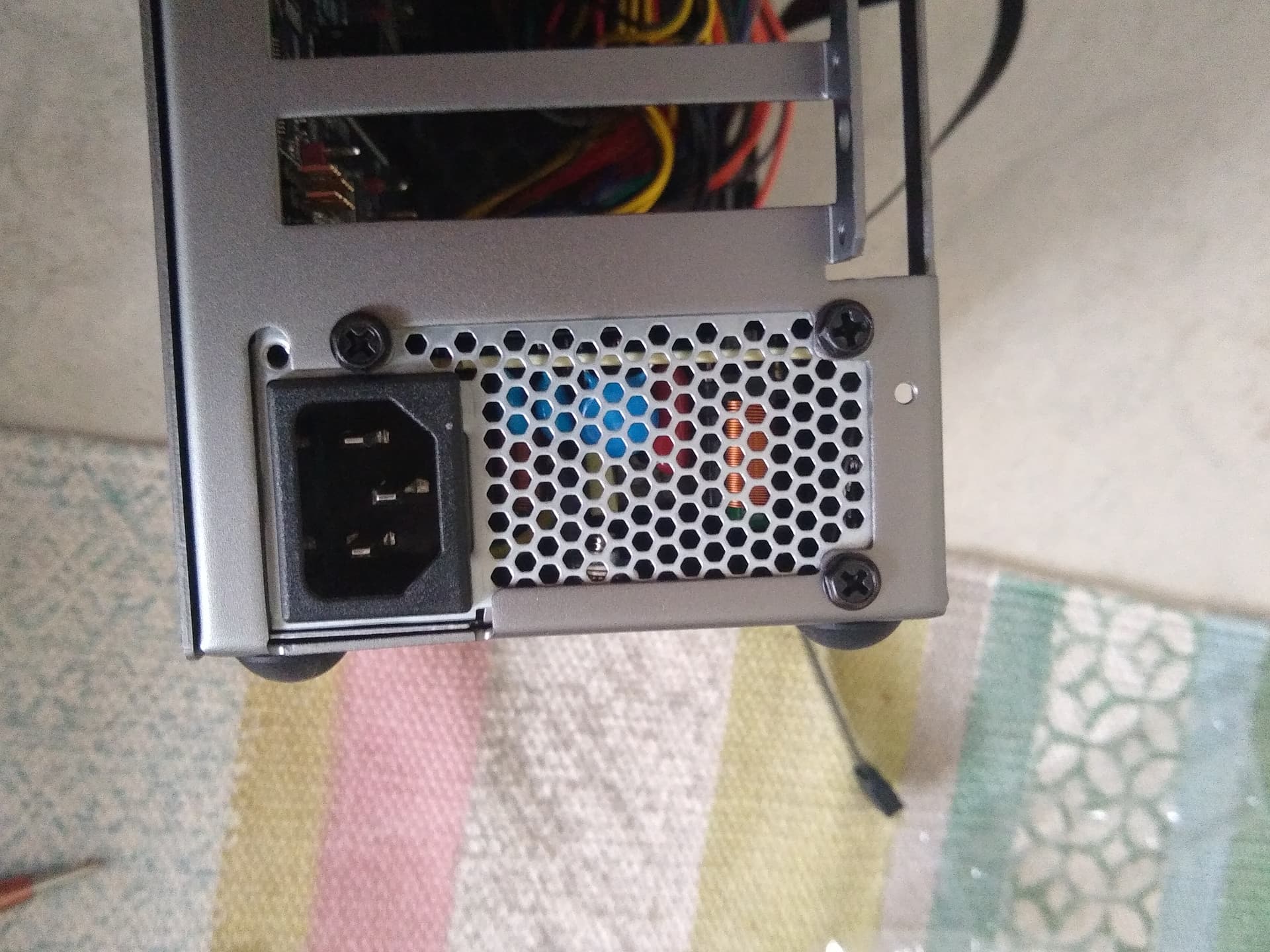
Install the power supply with 3 screws.
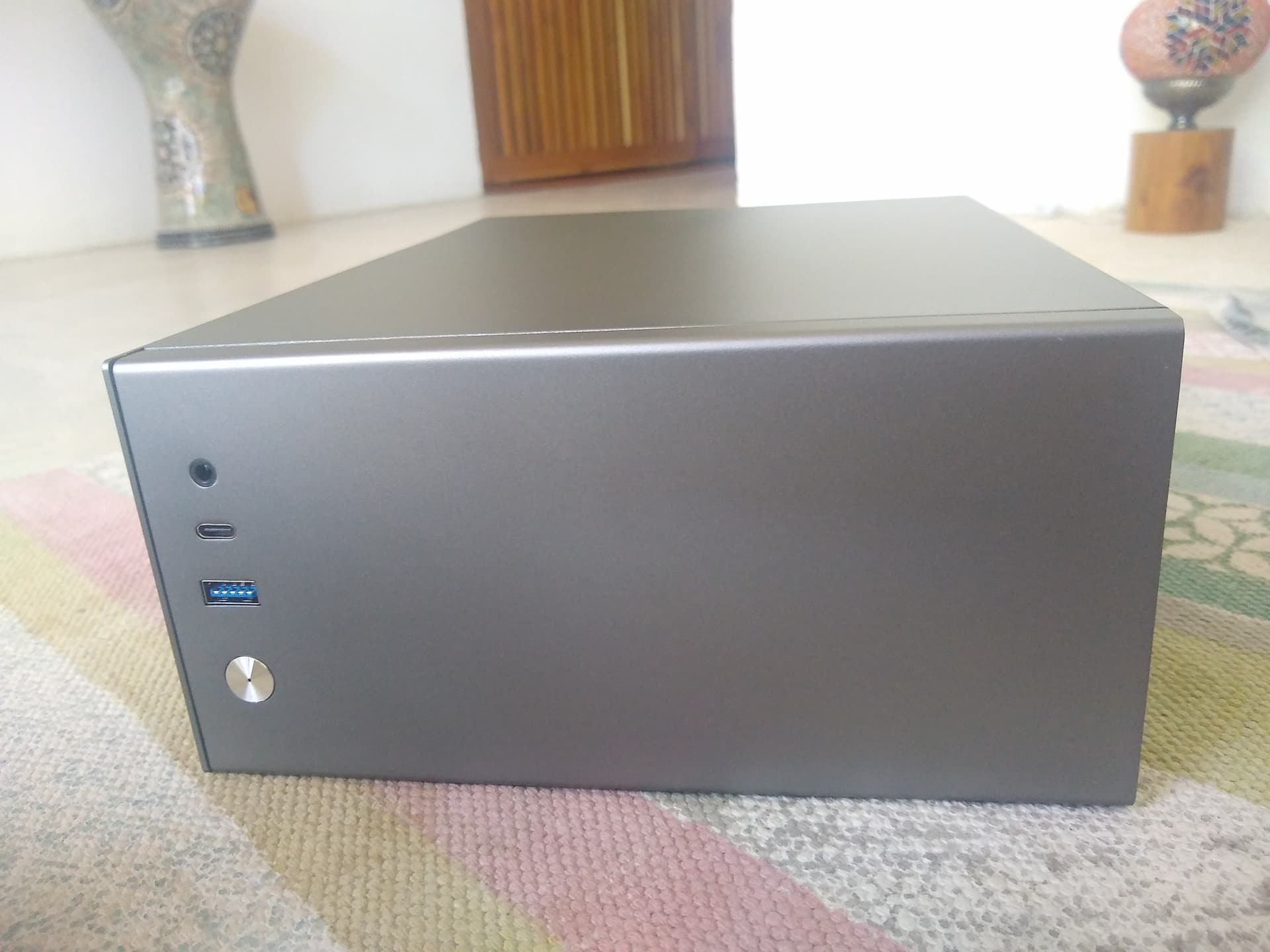
Connect the front panel USB cables.
Connect the front panel audio cable.
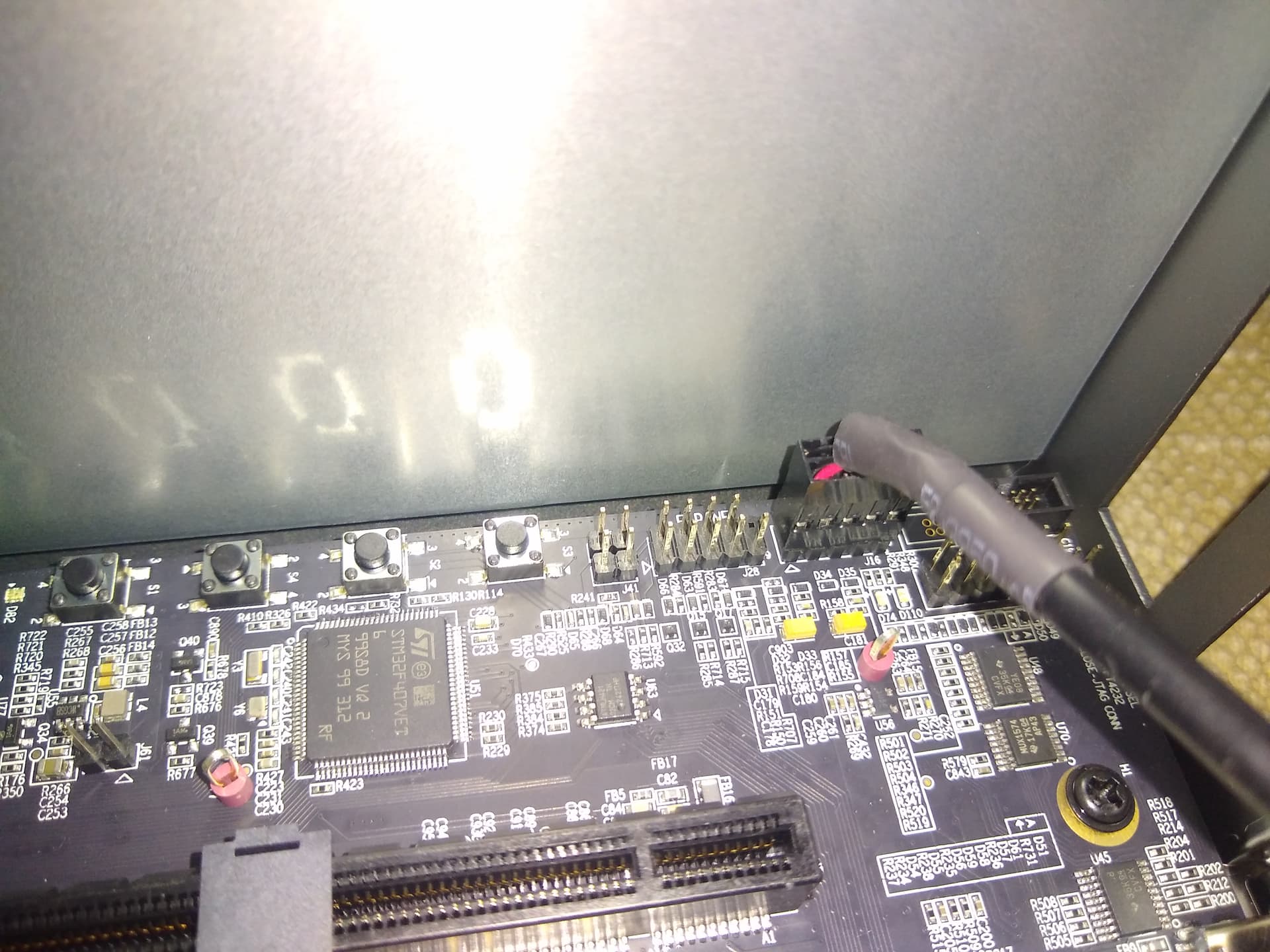
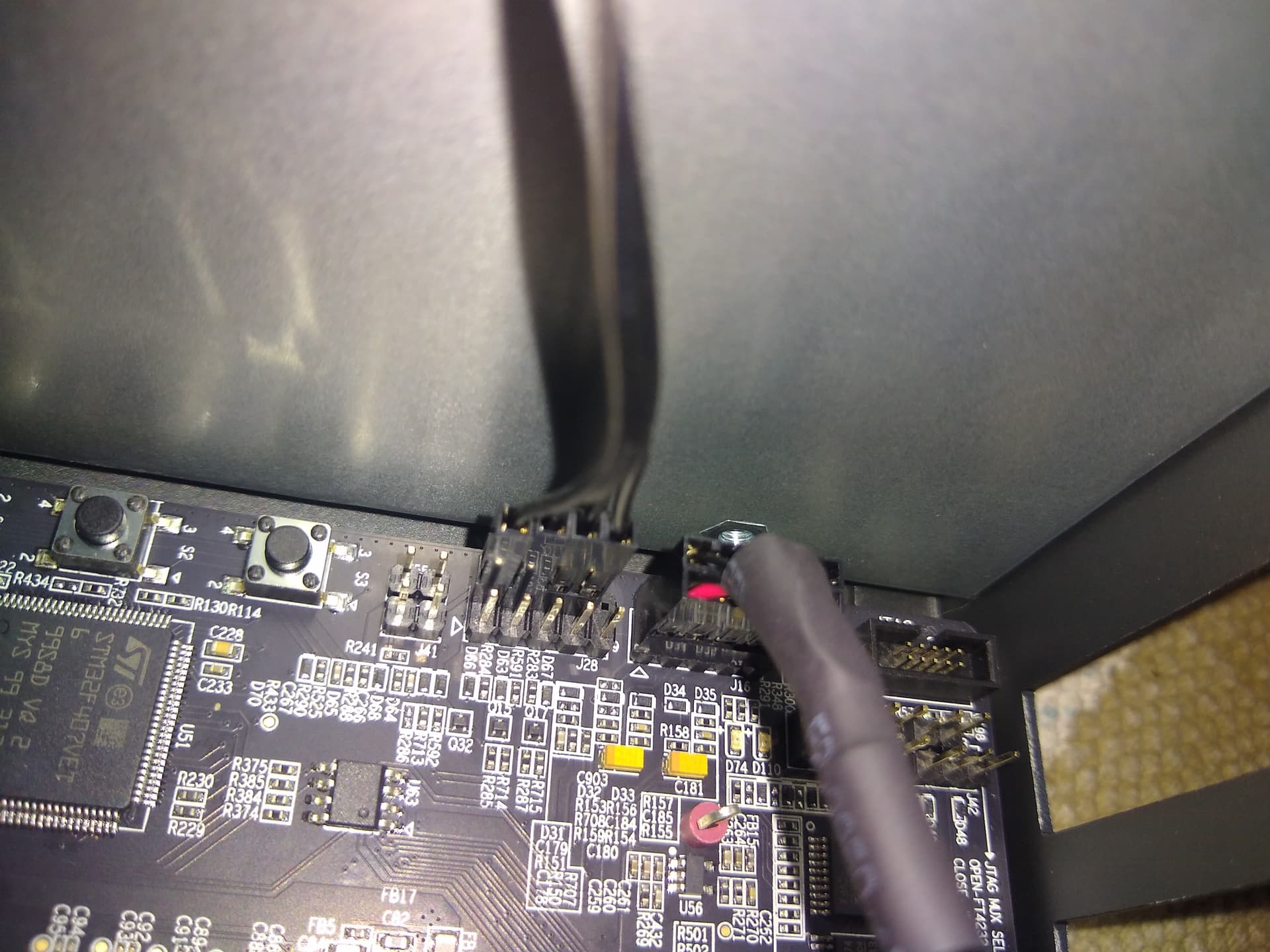
Connect the front panel pins:
Power LED+ in pin 2, Power LED- in pin 4, Power SW in pins 6 and 8.
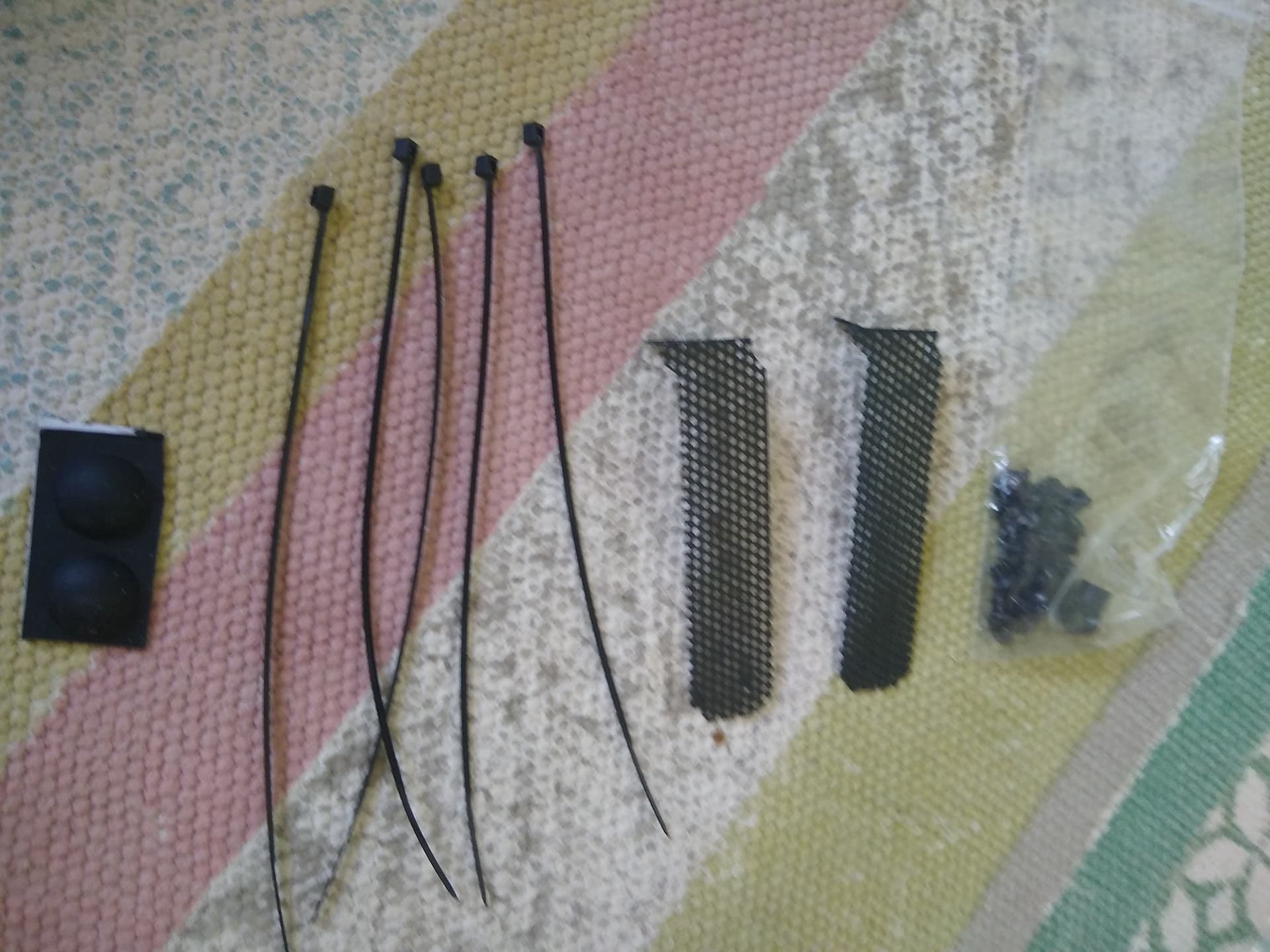
Install the black covers for the unused space.
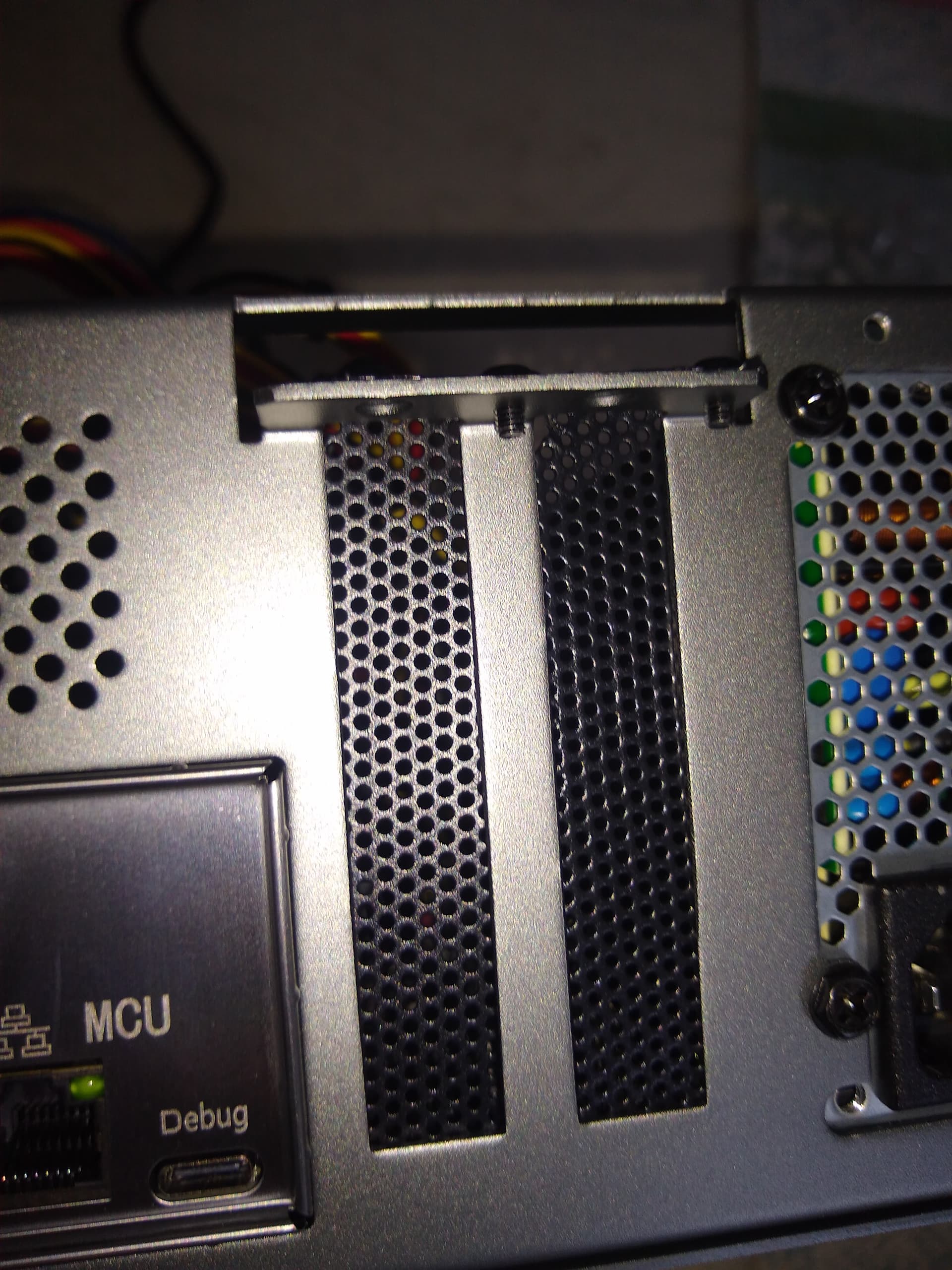
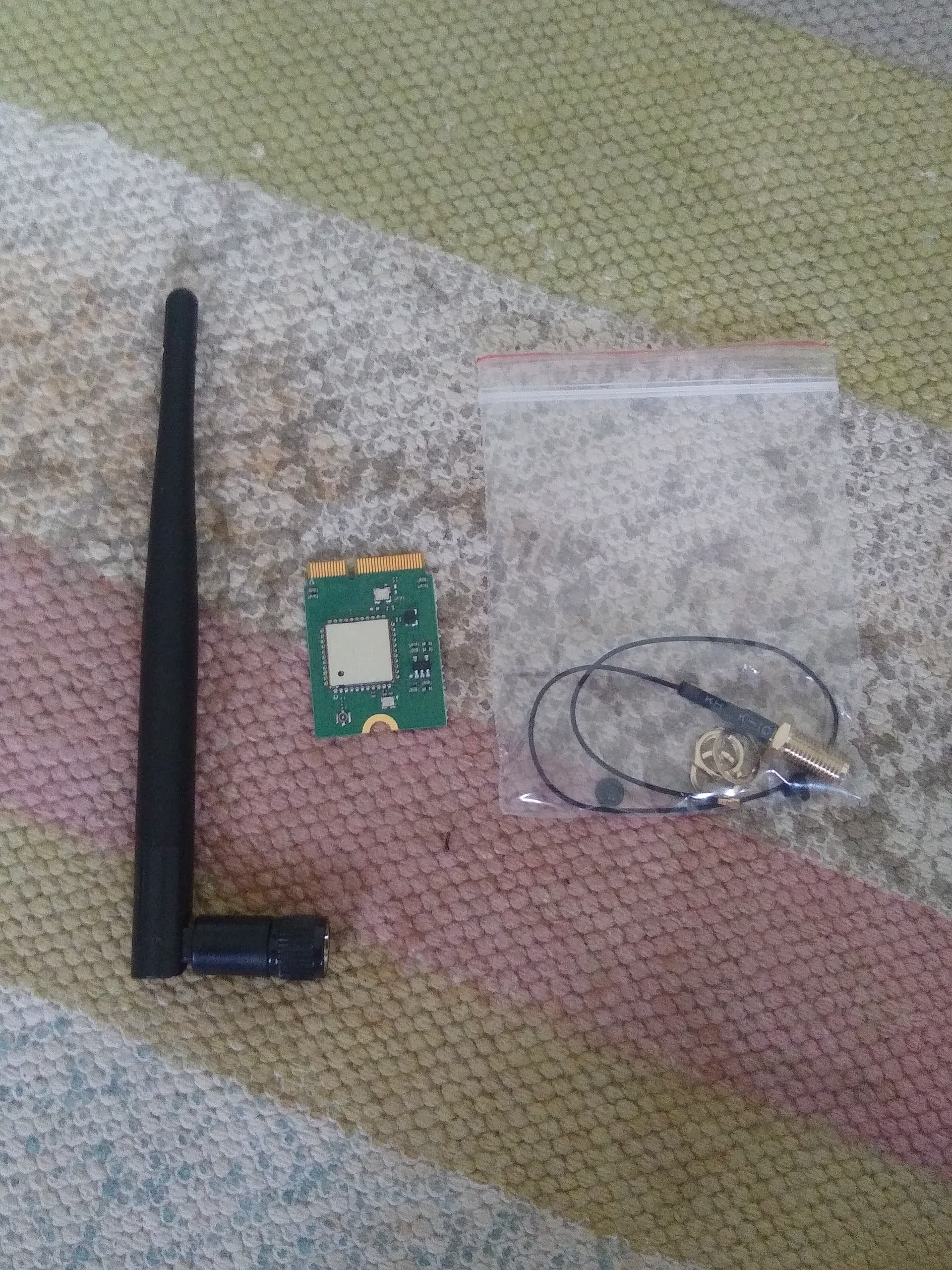
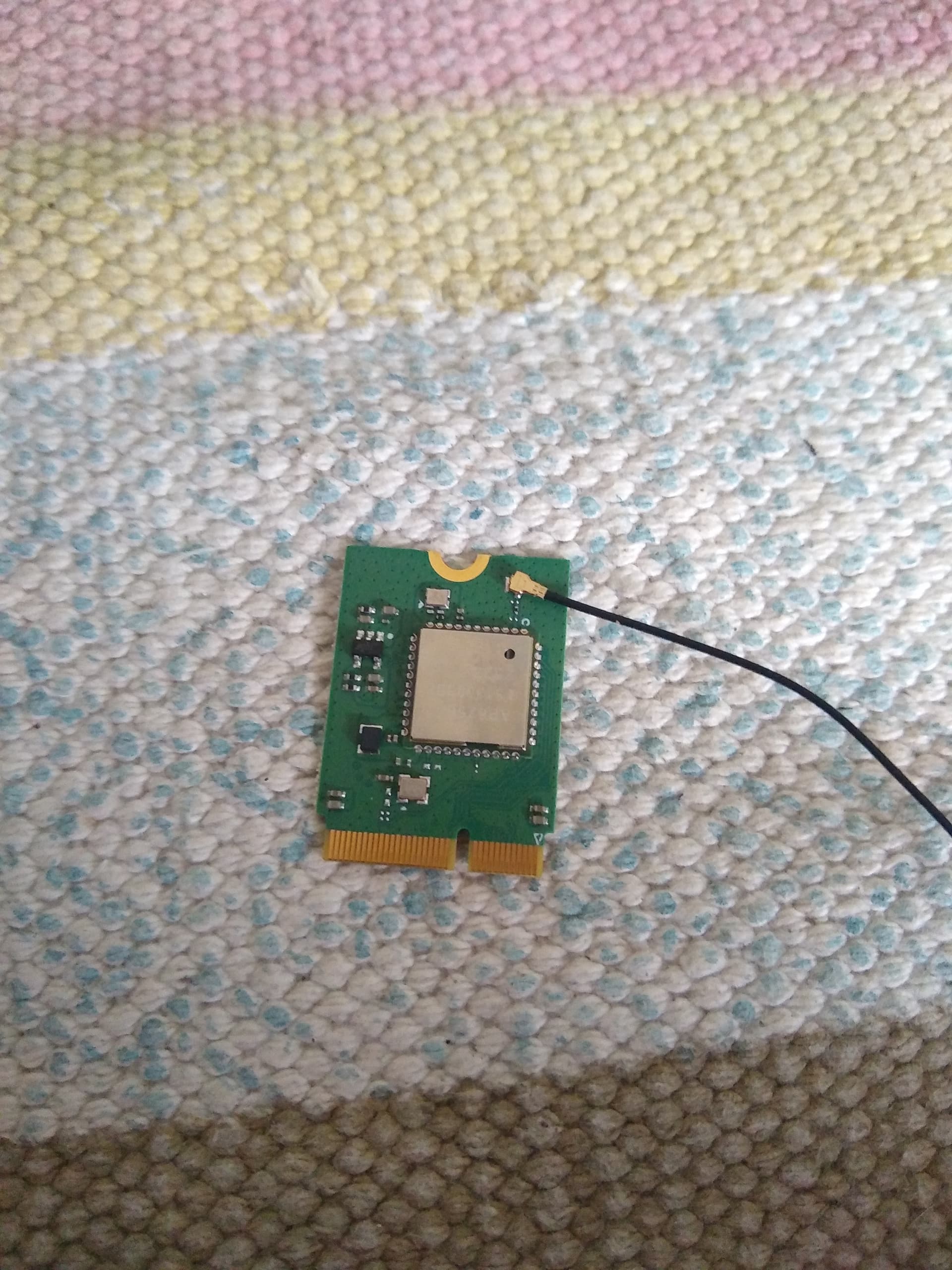
Connect the antenna cable to the wifi module.
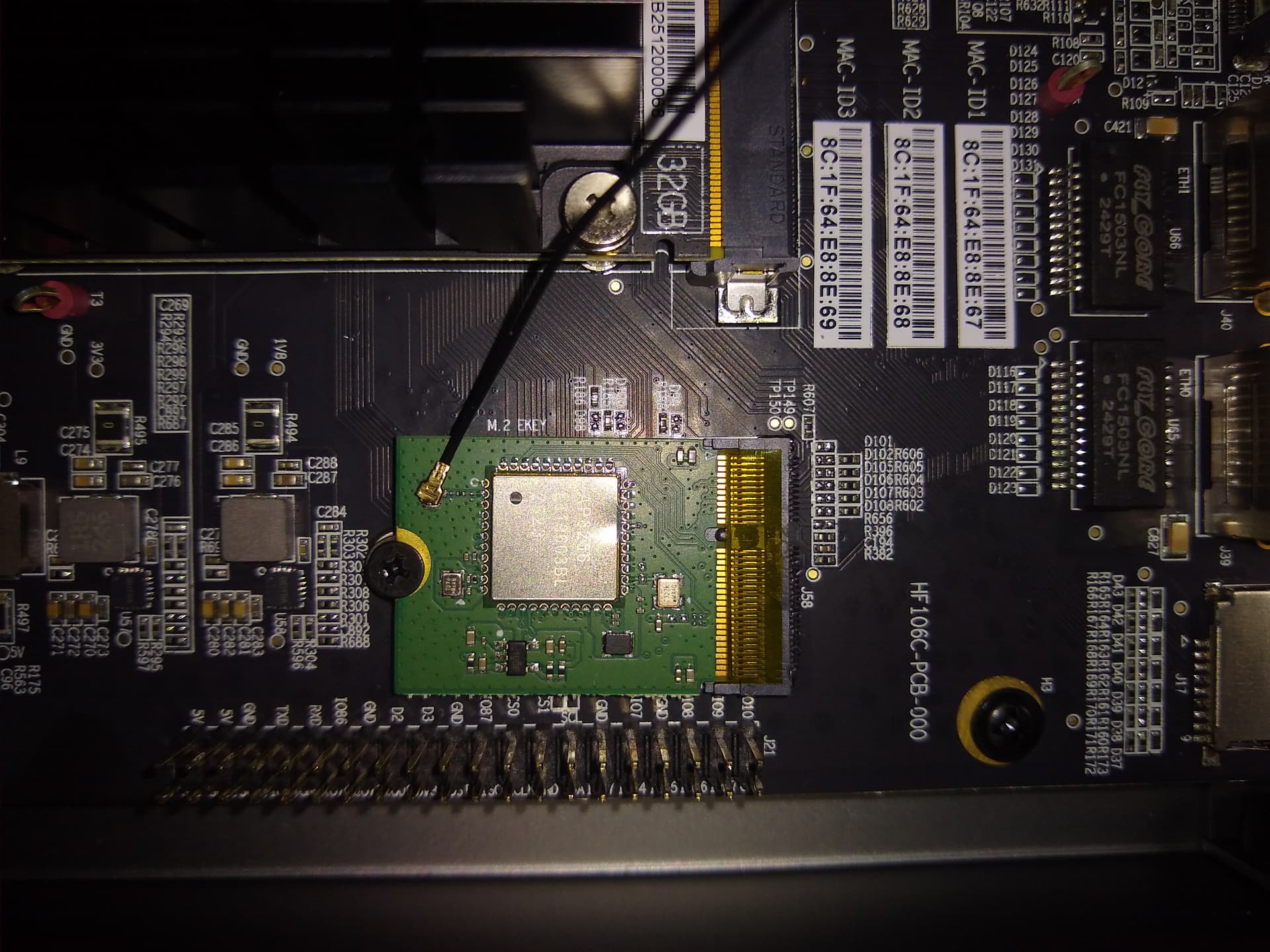
Install the wifi module with one screw.
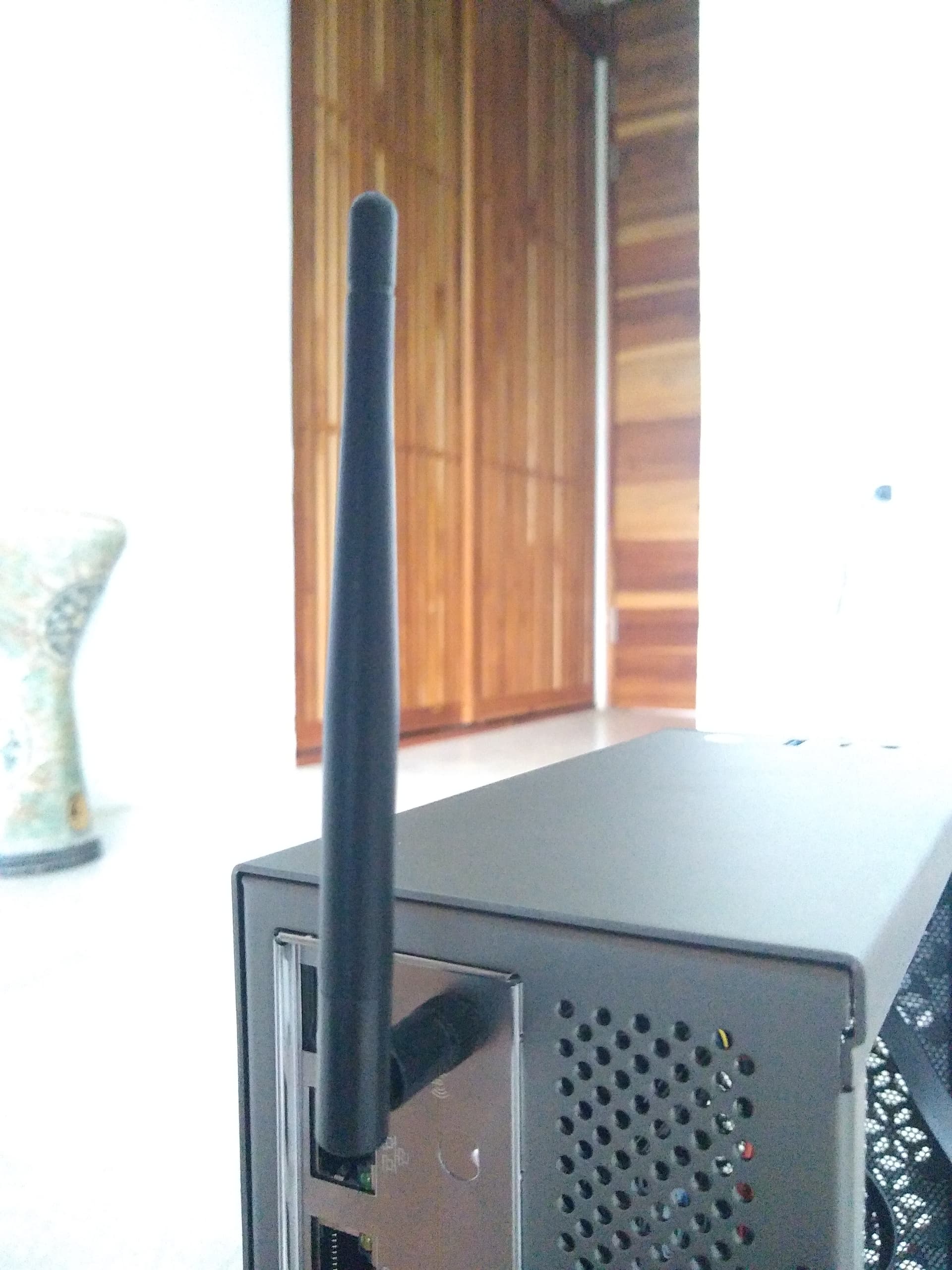
Install the antenna on the outside of the case.
Connect to the serial console
Connect the USB C debug port in the back to another computer.
Open the console:
$ sudo screen -L /dev/ttyUSB2 115200
Login with user root and password sifive.