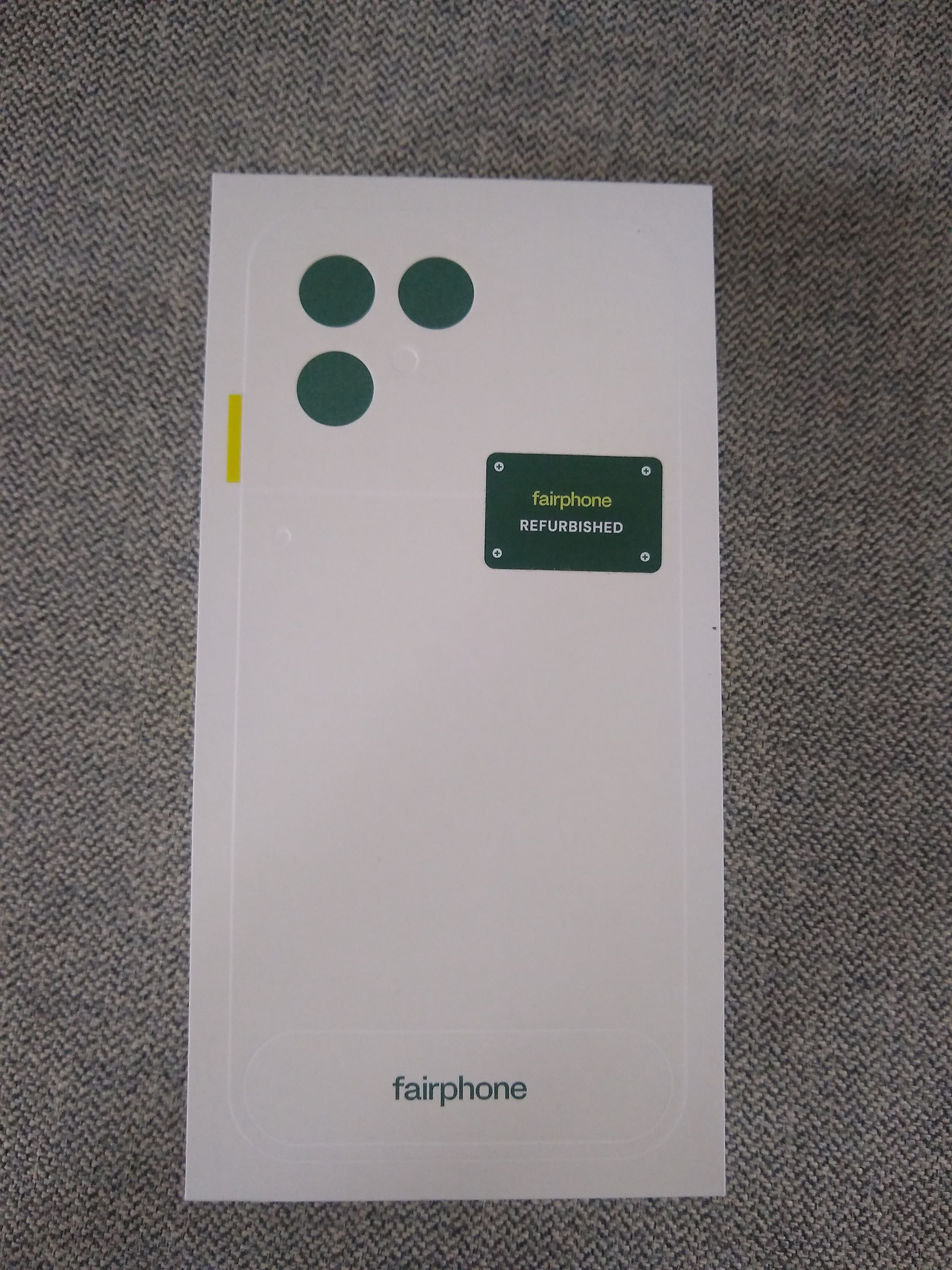
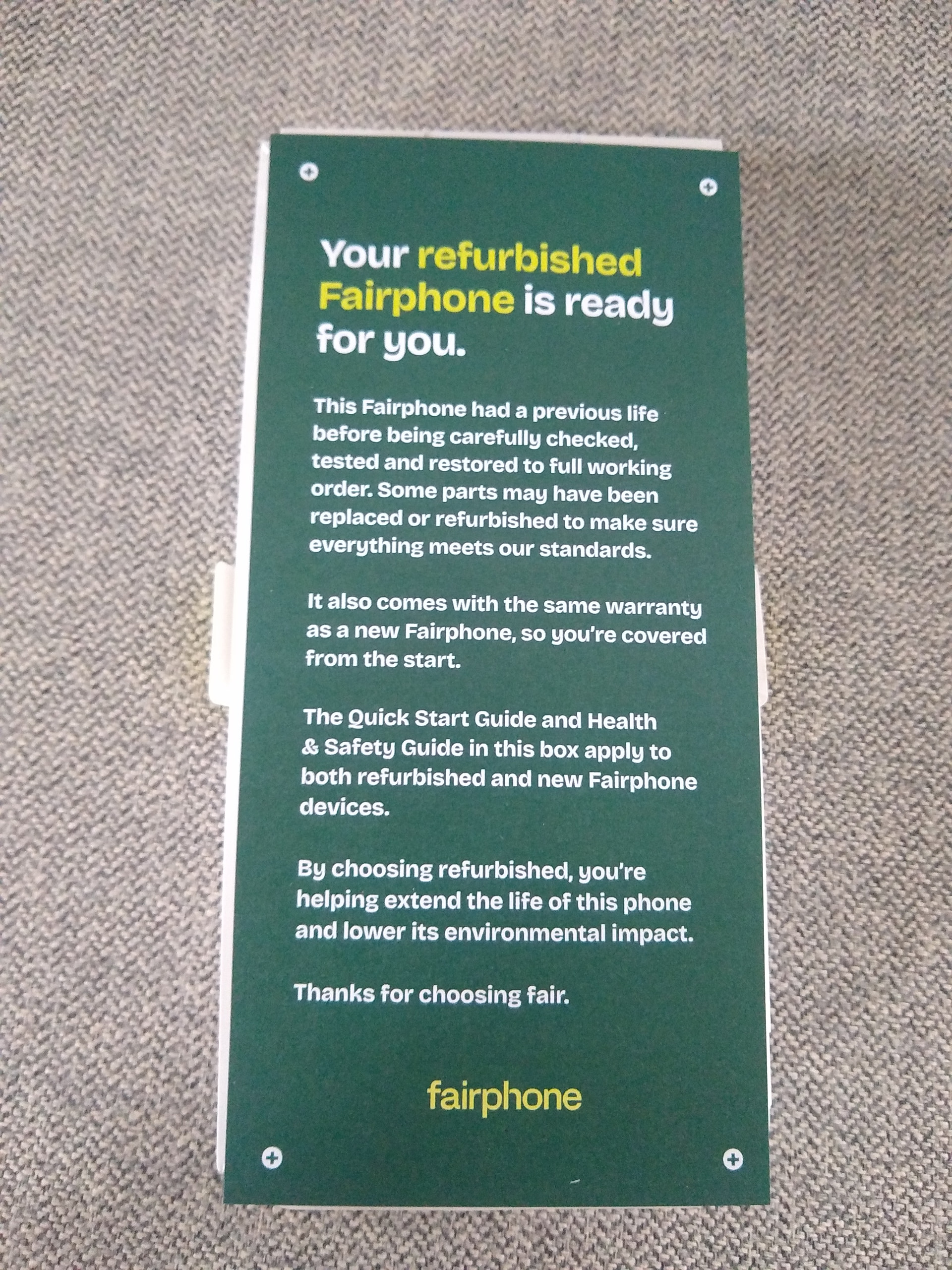
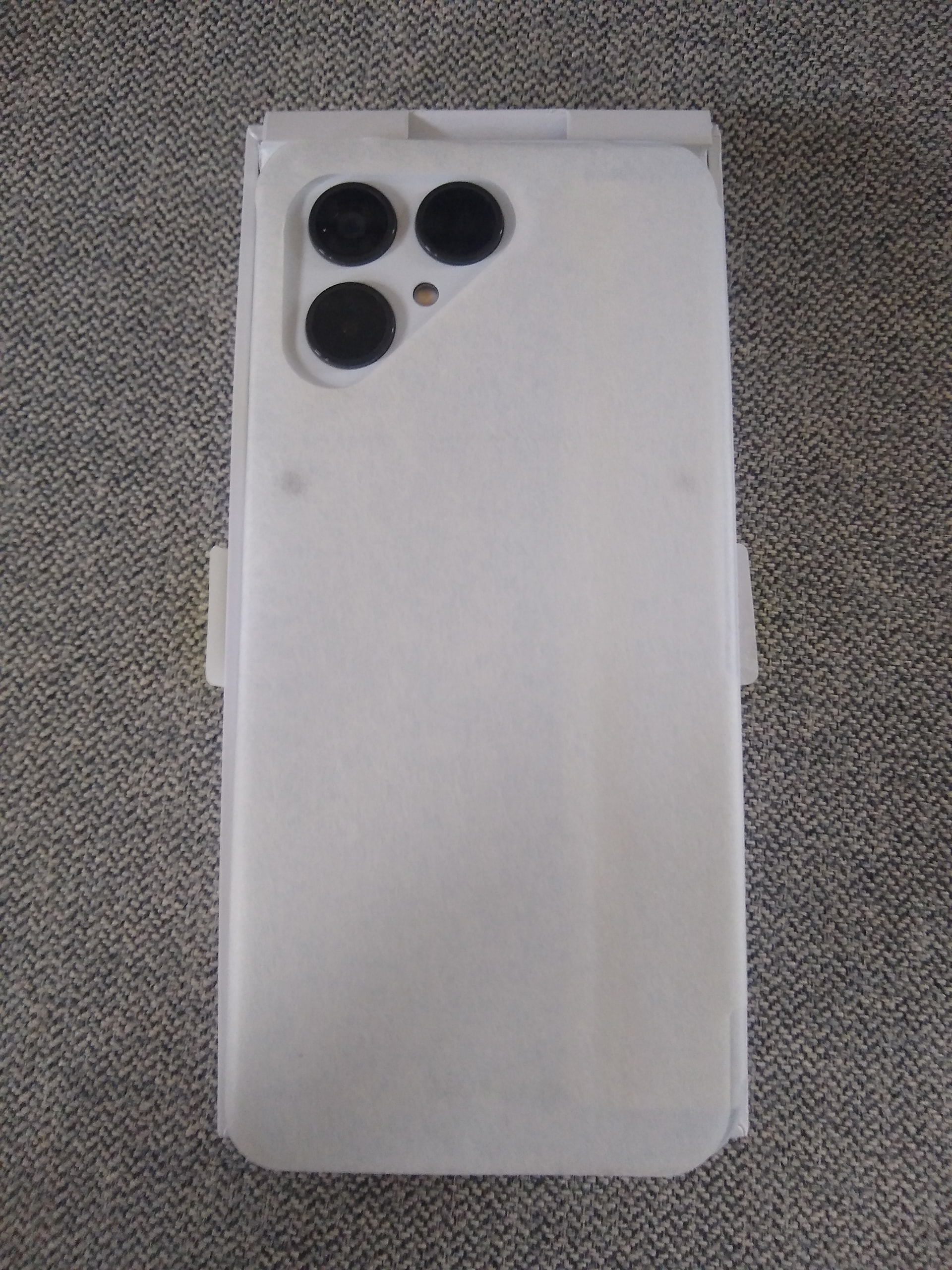
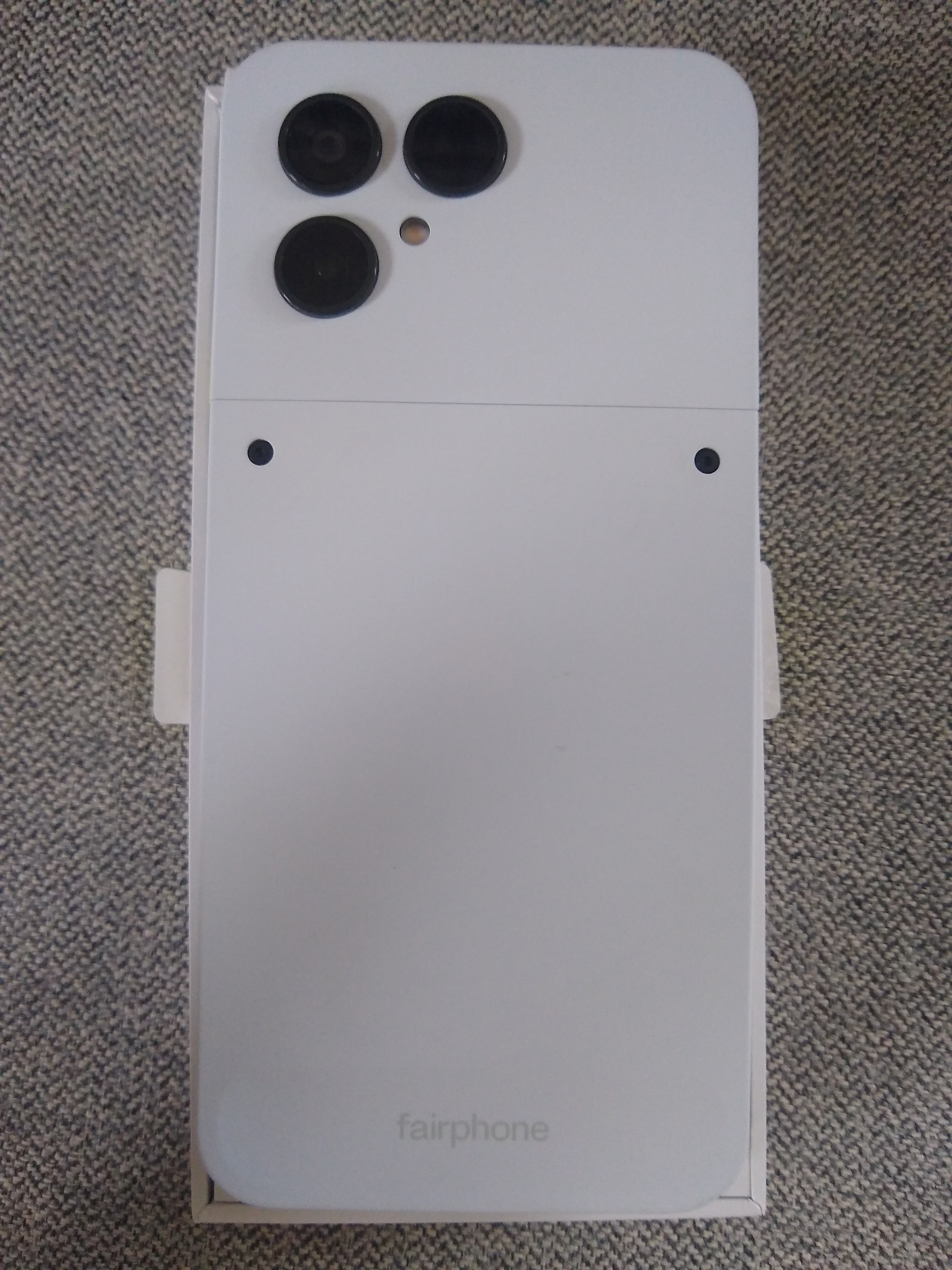
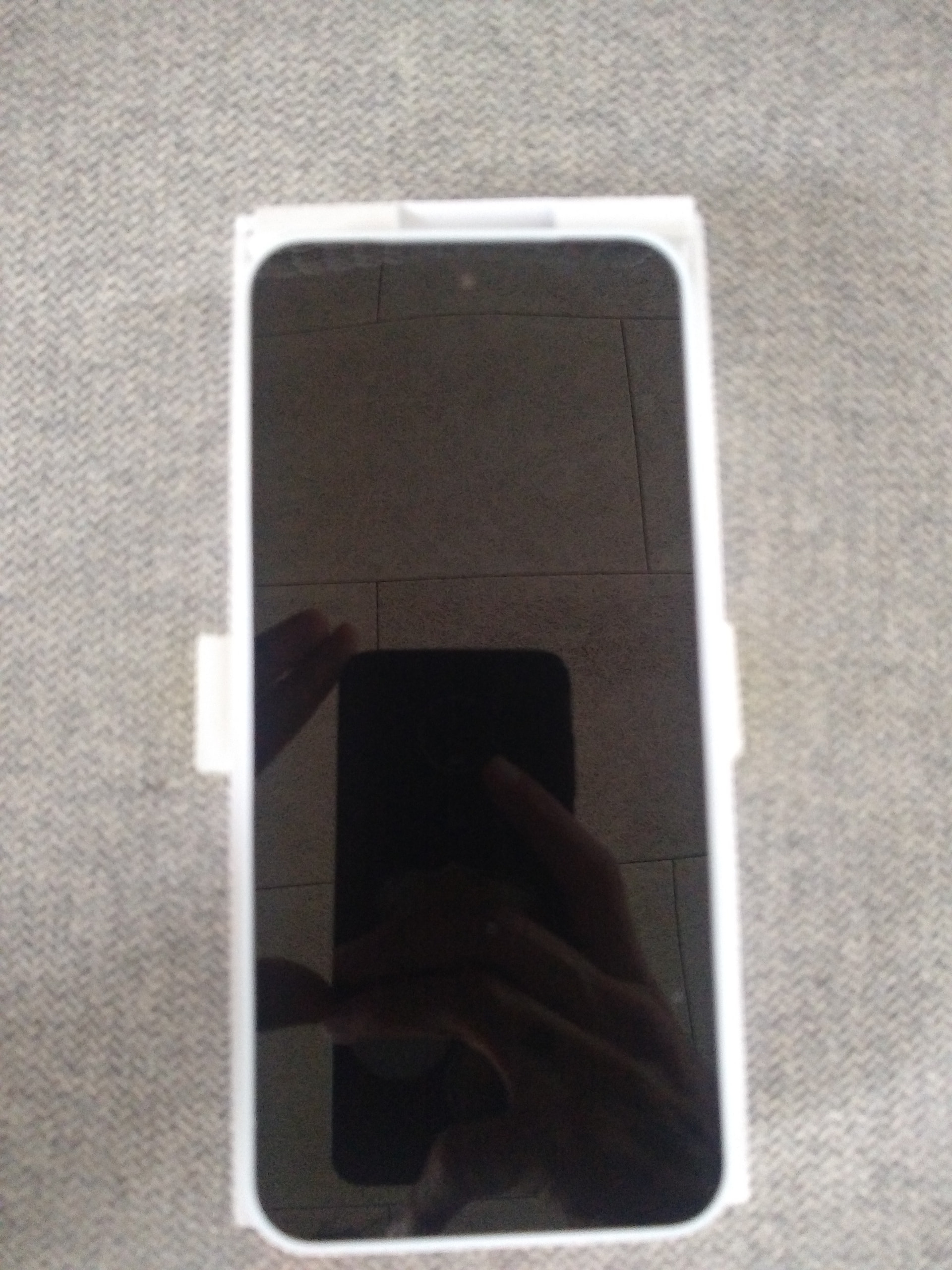
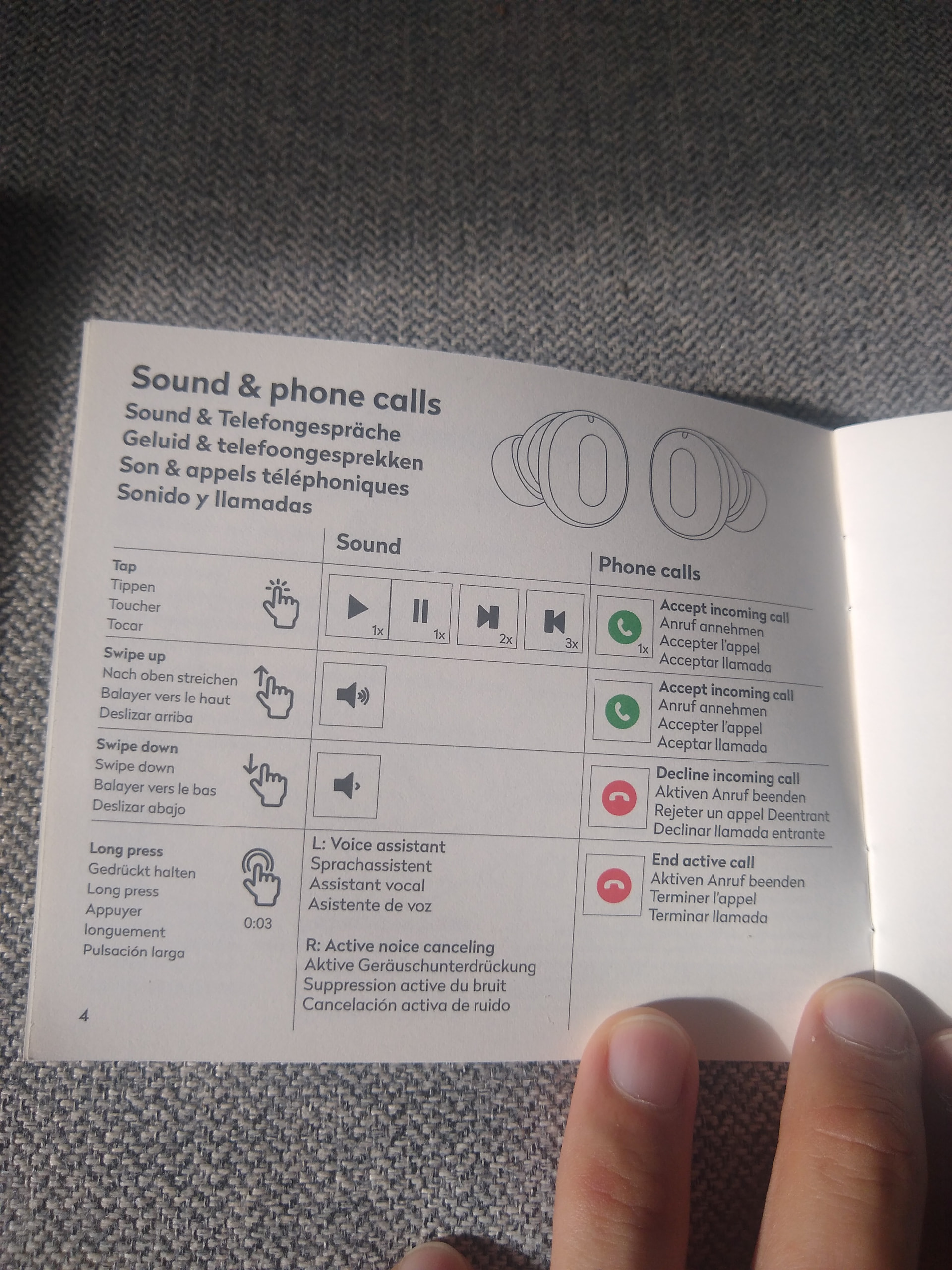
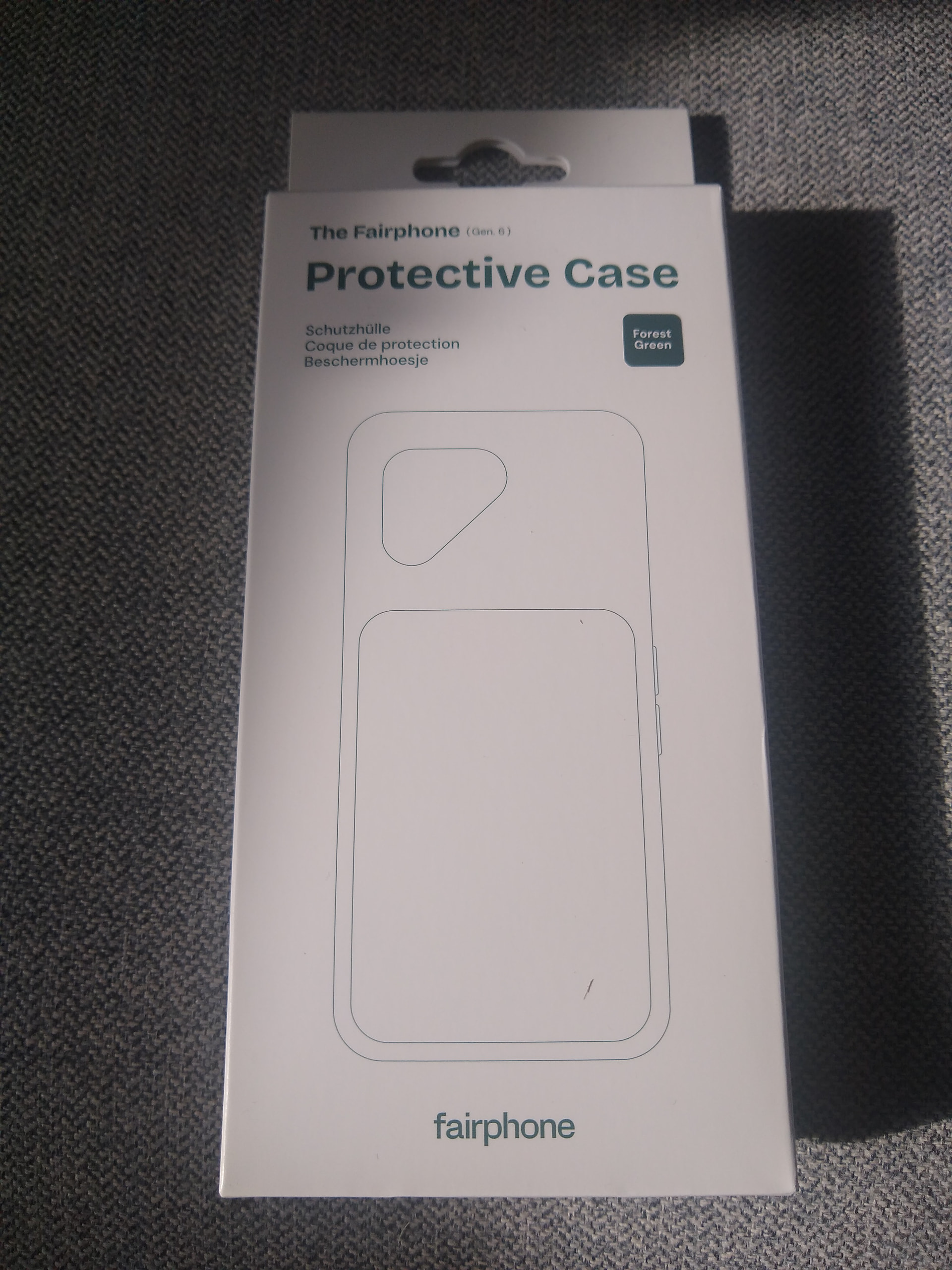
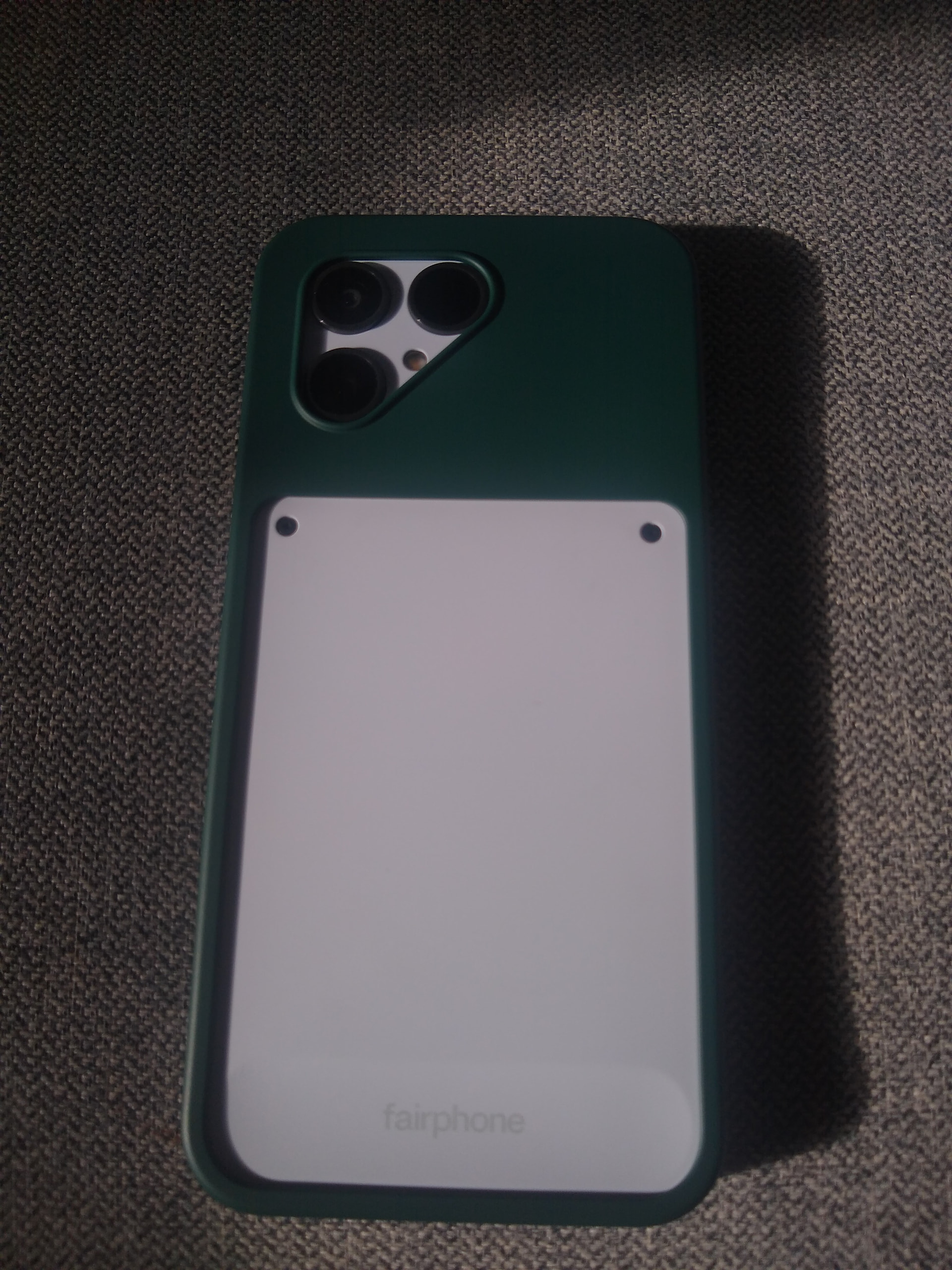
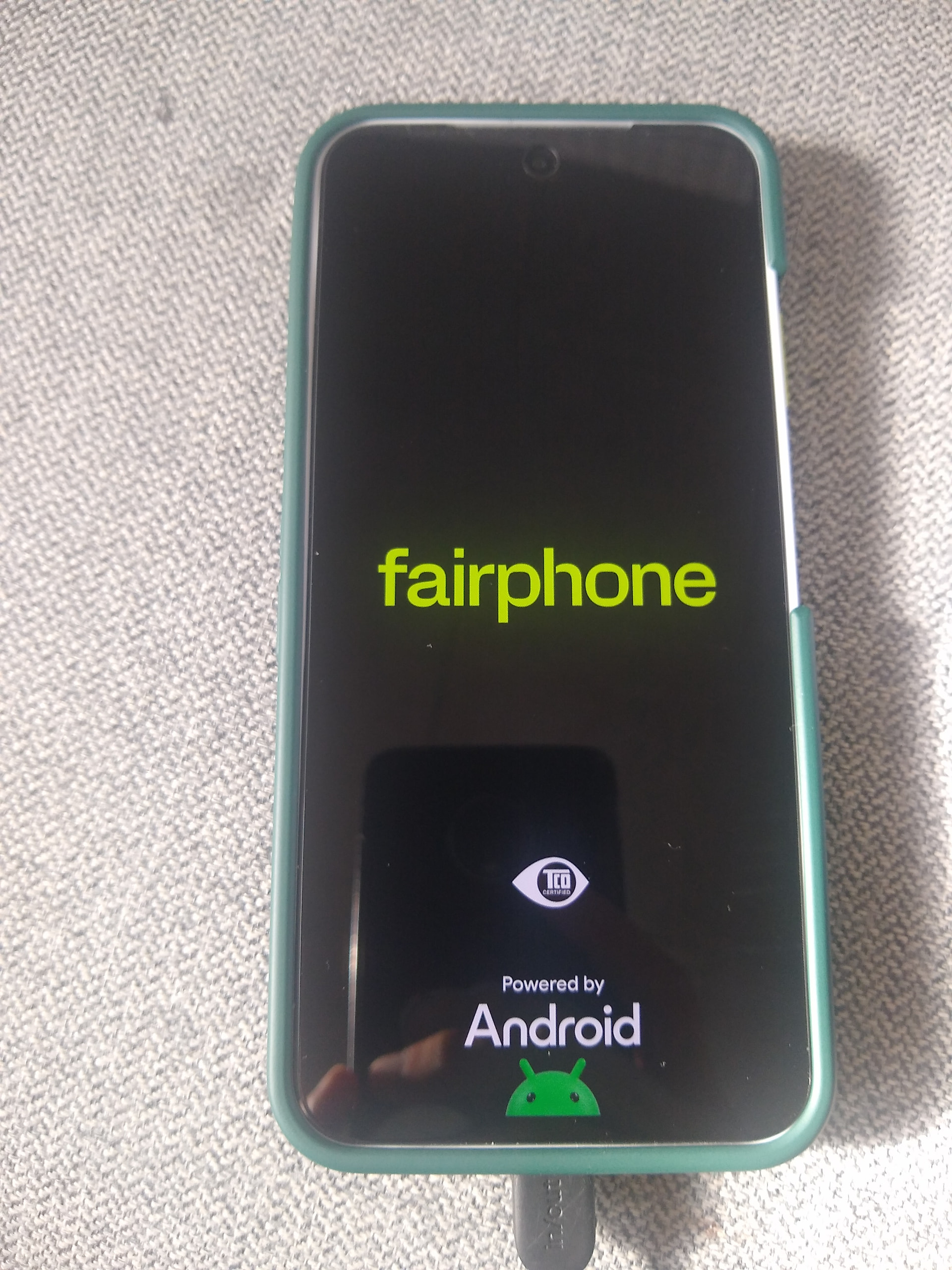
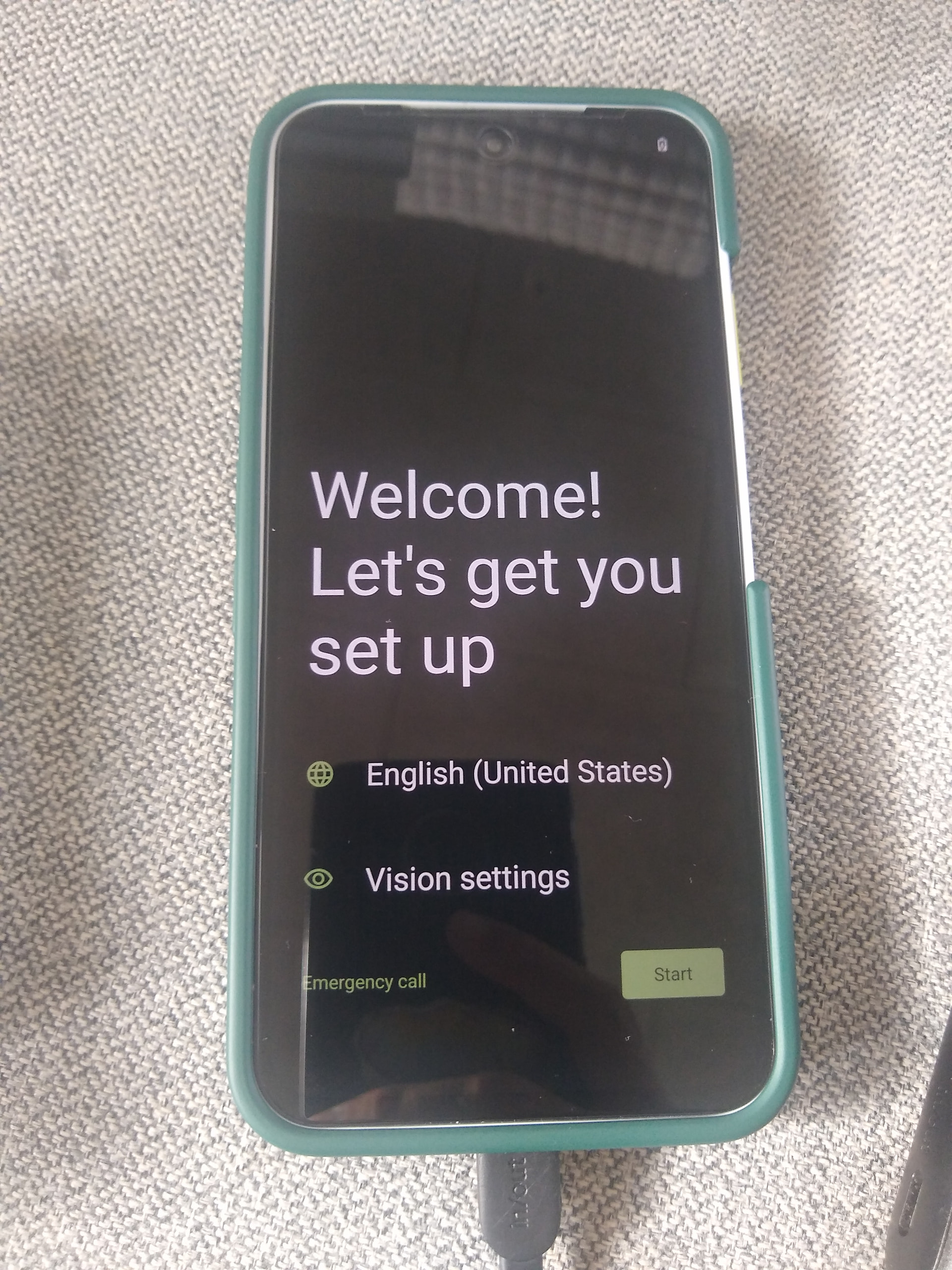
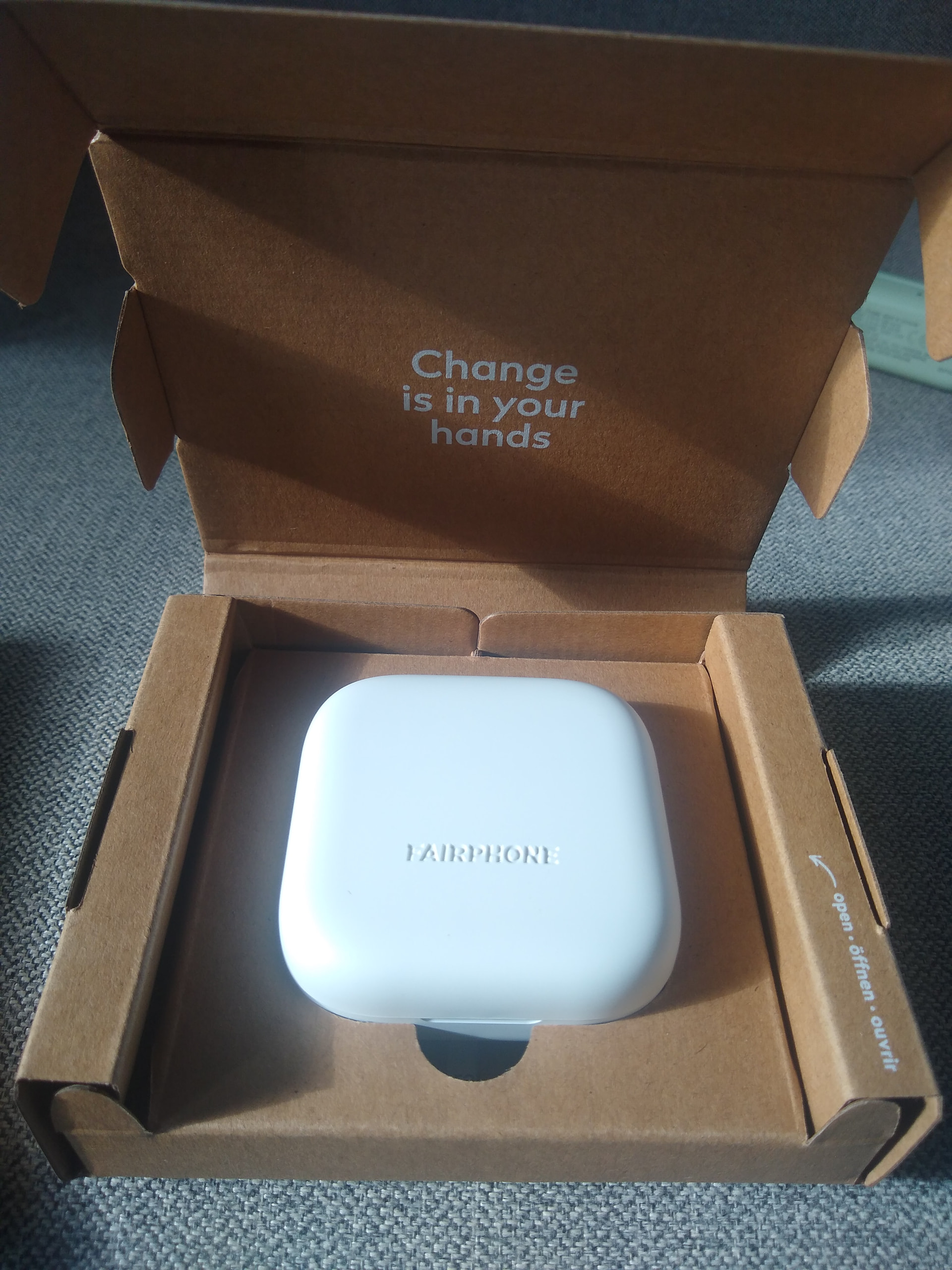
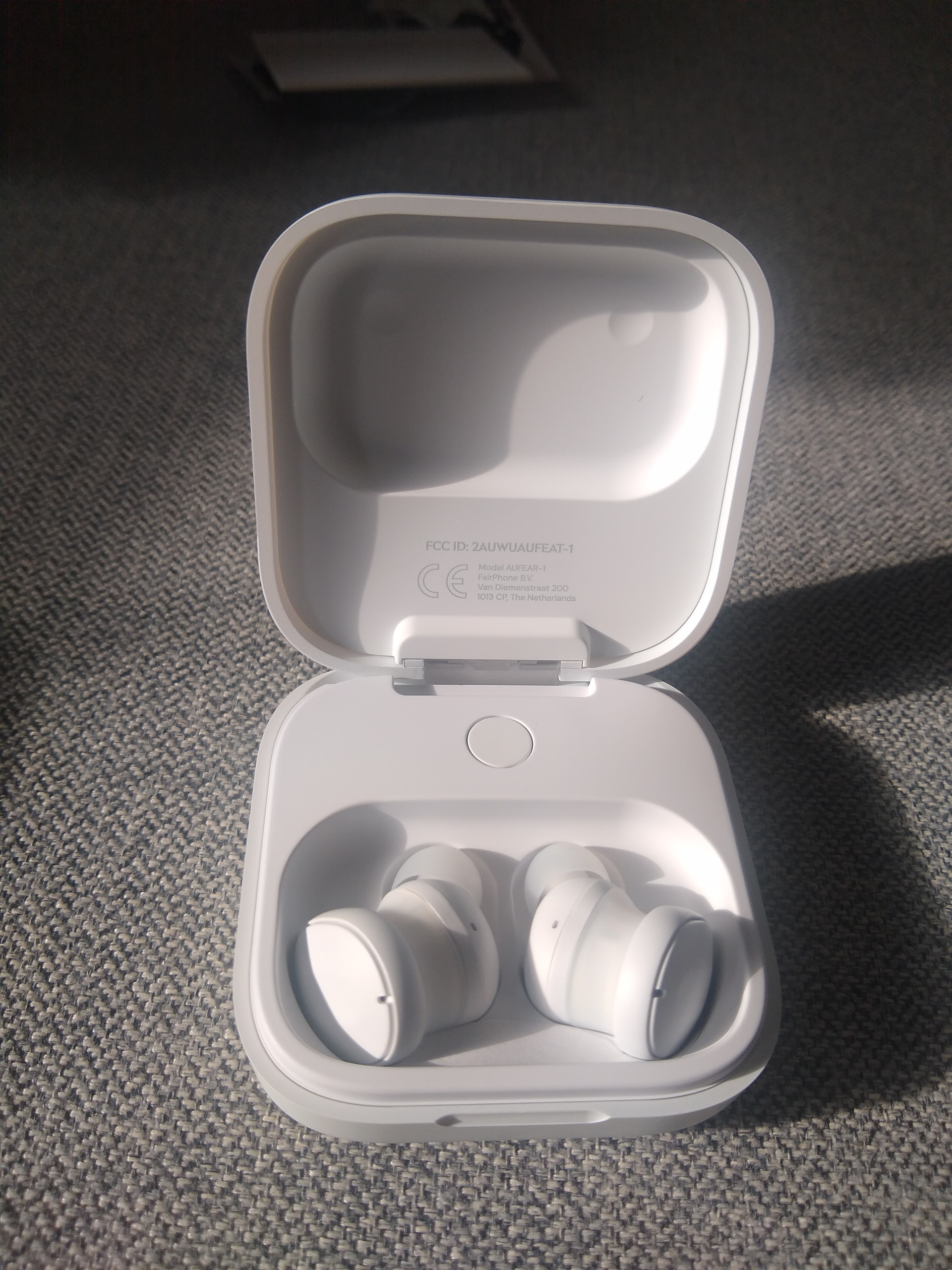
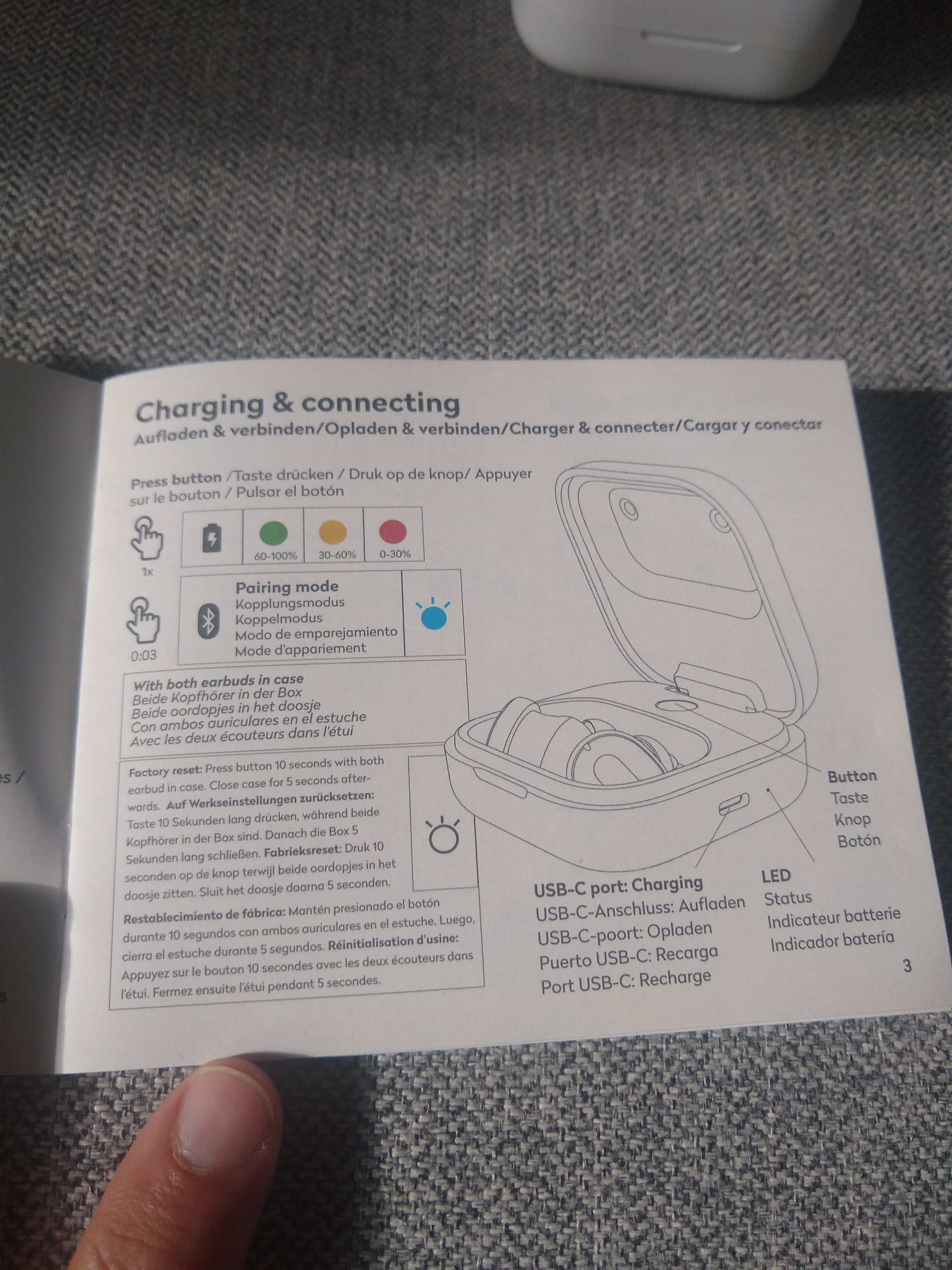
I’ve just received my Fairphone. The supply chain transparency is a foundational part of a different world, so I will be researching a lot about it.
Unboxing first…
I’ve just received my Fairphone. The supply chain transparency is a foundational part of a different world, so I will be researching a lot about it.
Unboxing first…
Last tested on Debian unstable, on September 29th, 2026.
Flash the official /e/OS build onto a Fairphone (Gen. 6) from Debian unstable and relock the bootloader.
Install adb, fastboot and the udev rules for Android devices.
$ sudo apt update
$ sudo apt install adb fastboot android-sdk-platform-tools-common
Download the latest official Android 16 build and its checksum from /e/OS official FP6 download , then verify it. The build’s security patch level must be the same as or newer than the phone’s (Settings → About phone → Android version → Android security update), or anti-rollback protection will brick the phone, so don’t install stock system updates before flashing.
$ cd ~/Downloads
$ wget "https://images.ecloud.global/official/FP6/IMG-e-4.2-a16-20260815662938-official-FP6.zip" "https://images.ecloud.global/official/FP6/IMG-e-4.2-a16-20260815662938-official-FP6.zip.sha256sum"
$ sha256sum --check IMG-e-4.2-a16-20260815662938-official-FP6.zip.sha256sum
On the phone, connect to Wi‑Fi, enable Developer options (tap Build number seven times) and turn on OEM unlocking. When it asks for a code, generate one at Unlock your Fairphone’s bootloader from the IMEI 1 and the serial number (Settings → About phone → Model), and enter it in lower case, since the page shows it in upper case but the phone only accepts lower case.
In Settings → System → Developer options, turn on USB debugging. Then connect the phone over USB, accept the debugging prompt with “Always allow from this computer” ticked, and check that it’s listed.
$ adb devices
Reboot into the bootloader and unlock it, approving on the phone with Volume up, then Power. This wipes the phone, which then reboots.
$ adb reboot bootloader
$ fastboot flashing unlock
Power the phone off, hold Power + Volume down to enter fastboot mode, and unlock the critical partitions, approving the same way. The phone wipes and reboots again.
$ fastboot flashing unlock_critical
Extract the build into its own directory.
$ mkdir e-os-fp6
$ cd e-os-fp6
$ unzip ../IMG-e-4.2-a16-20260815662938-official-FP6.zip
Put the phone back in fastboot mode (Power + Volume down) and run the installer script. The phone reboots into /e/OS when it’s done.
$ chmod +x flash_FP6_factory.sh
$ ./flash_FP6_factory.sh
Put the phone back in fastboot mode and lock the critical partitions, approving with Volume up, then Power.
$ fastboot flashing lock_critical
Once it has rebooted, put it back in fastboot mode and lock the bootloader, approving the same way. The phone wipes and boots into /e/OS without the unlocked bootloader warning.
$ fastboot flashing lock
Created together with Claude Opus 5.5 

Installing applications: