# RaspberryPi 400
**URL:** https://collective.flashbots.net/t/raspberrypi-400/4785
**Category:** References
**Tags:** hardware
**Created:** [March 17, 2025, 4:10am UTC](https://collective.flashbots.net/t/raspberrypi-400/4785 "2025-03-17T04:10:59Z")
**Posts on this page:** 2
**Page:** 1
### Author:  [@guayabyte](https://collective.flashbots.net/u/guayabyte)
#### Post date: [March 17, 2025, 4:10am UTC](https://collective.flashbots.net/t/raspberrypi-400/4785/1 "2025-03-17T04:10:59Z")
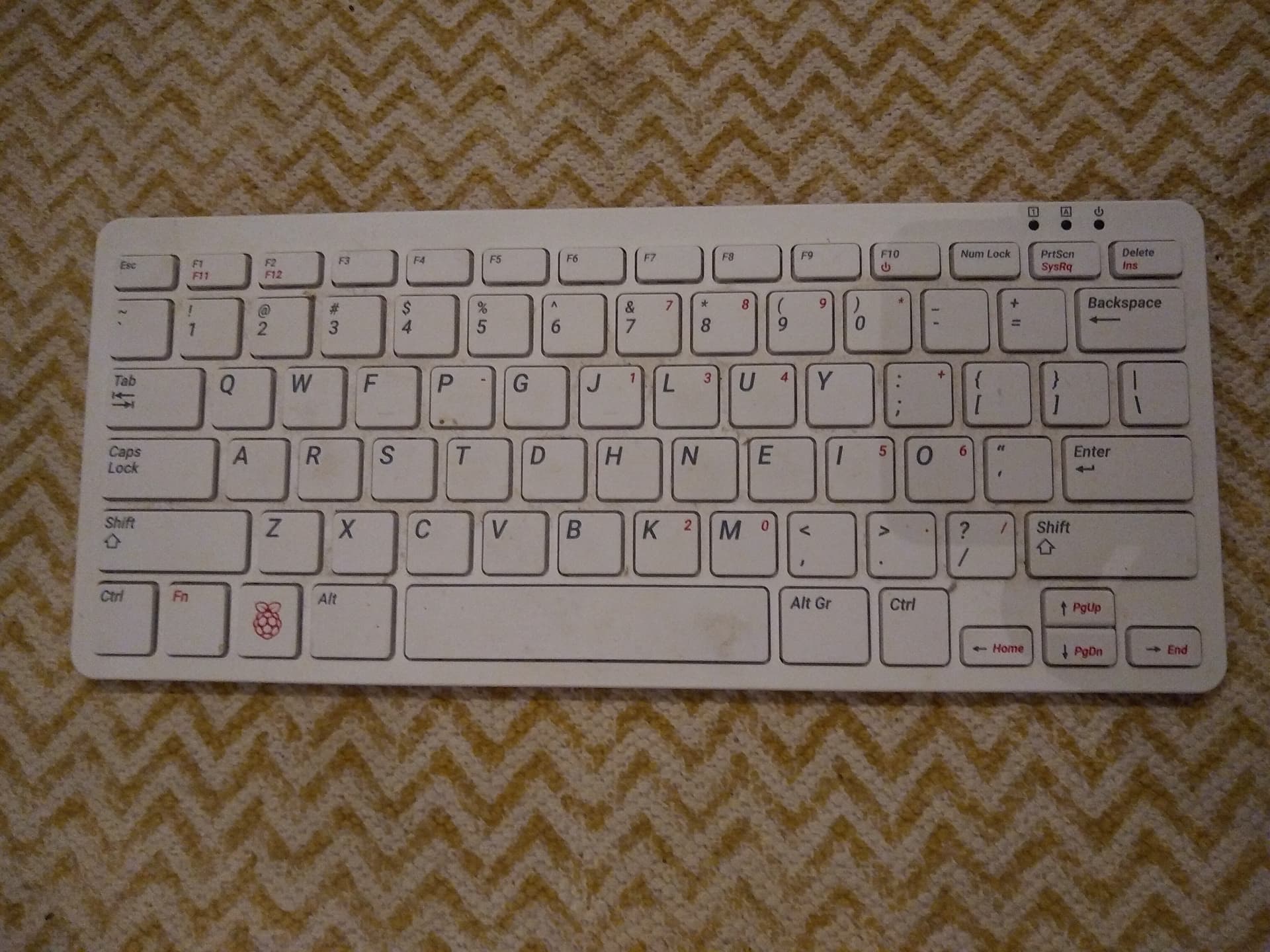
[https://www.raspberrypi.com/products/raspberry-pi-400/](https://www.raspberrypi.com/products/raspberry-pi-400/)
---
### Author:  [@guayabyte](https://collective.flashbots.net/u/guayabyte)
#### Post date: [March 17, 2025, 4:16am UTC](https://collective.flashbots.net/t/raspberrypi-400/4785/2 "2025-03-17T04:16:25Z")
> Tested on march 16th, 2025
# Installation
Download the latest Raspberry Pi OS, based on Debian bookworm:
```auto
$ wget https://downloads.raspberrypi.com/raspios_arm64/images/raspios_arm64-2024-11-19/2024-11-19-raspios-bookworm-arm64.img.xz
```
Verify the integrity of the file:
```auto
wget https://downloads.raspberrypi.com/raspios_arm64/images/raspios_arm64-2024-11-19/2024-11-19-raspios-bookworm-arm64.img.xz.sha256
$ echo "$(cat 2024-11-19-raspios-bookworm-arm64.img.xz.sha256)" | sha256sum --check
```
Copy the image to an SD card:
```auto
$ unxz 2024-11-19-raspios-bookworm-arm64.img.xz
$ sudo dd if=2024-11-19-raspios-bookworm-arm64.img of= bs=16M status=progress oflag=sync
```
Now put the SD card in the RaspberryPi, connect it to an HDMI monitor, and boot.