# Dell XPS 13 9320
**URL:** https://collective.flashbots.net/t/dell-xps-13-9320/5544
**Category:** References
**Tags:** work-in-progress, hardware
**Created:** [February 16, 2026, 6:34pm UTC](https://collective.flashbots.net/t/dell-xps-13-9320/5544 "2026-02-16T18:34:14Z")
**Posts on this page:** 2
**Page:** 1
### Author:  [@guayabyte](https://collective.flashbots.net/u/guayabyte)
#### Post date: [February 16, 2026, 6:34pm UTC](https://collective.flashbots.net/t/dell-xps-13-9320/5544/1 "2026-02-16T18:34:14Z")
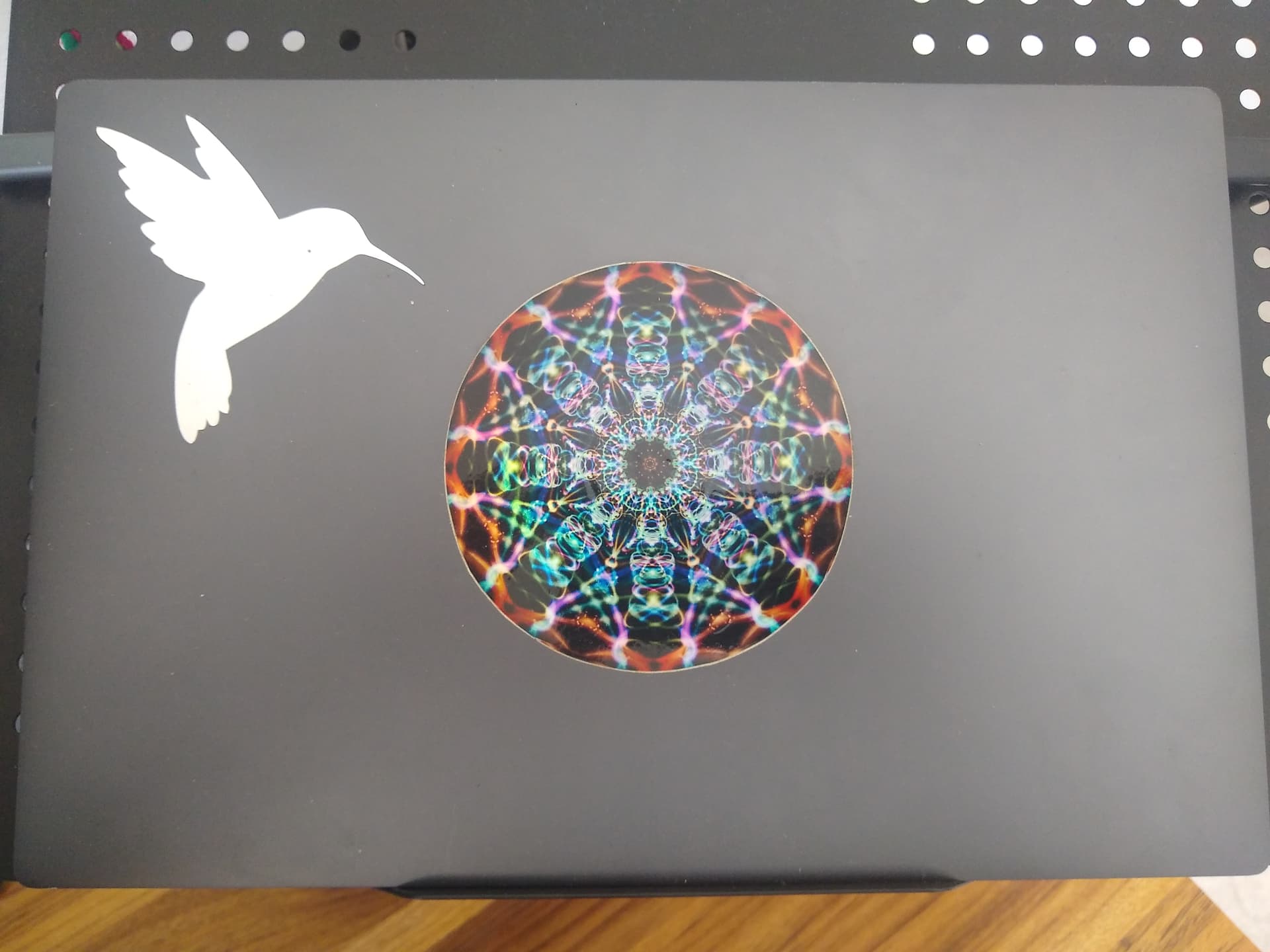
This is my main computer. I will document here how I use it.
---
### Author:  [@guayabyte](https://collective.flashbots.net/u/guayabyte)
#### Post date: [February 16, 2026, 6:42pm UTC](https://collective.flashbots.net/t/dell-xps-13-9320/5544/2 "2026-02-16T18:42:27Z")
> Tested on february 18th, 2026
# Installation
## [Debian](https://collective.flashbots.net/t/debian/5035) stable
Based on [Instalando Debian en mi laptop Dell XPS 13 - JáquerEspeis - Bunqueer Virtual](https://web.archive.org/web/20241208114712/https://bunqueer.jaquerespeis.org/t/instalando-debian-en-mi-laptop-dell-xps-13/2758) (in Spanish).
Download the .iso file of the Debain stable installer:
```auto
$ wget https://cdimage.debian.org/debian-cd/current/amd64/iso-cd/debian-13.3.0-amd64-netinst.iso)
```
Verify the integrity of the file:
```auto
$ wget https://cdimage.debian.org/debian-cd/current/amd64/iso-cd/SHA256SUMS
$ shasum --check --ignore-missing SHA256SUMS
```
Verify the signature:
```auto
$ wget https://cdimage.debian.org/debian-cd/current/amd64/iso-cd/SHA256SUMS.sign
$ gpg --recv-key --keyserver keyring.debian.org DF9B9C49EAA9298432589D76DA87E80D6294BE9B
$ gpg --verify SHA256SUMS.sign SHA256SUMS
```
Copy the image to a USB memory:
```auto
$ sudo dd if=debian-13.3.0-amd64-netinst.iso of= bs=16M status=progress oflag=sync
```
Boot the computer with the USB memory inserted. Press F12 until the menu with boot options appears.
Install Debian…
Reboot.
Set up the colemak keyboard layout for the encrypted drive password:
```auto
$ sudo dpkg-reconfigure keyboard-configuration
$ sudo update-initramfs -u -k all
```
## Upgrade to unstable
Open the file with the list of sources:
```auto
$ sudo nano /etc/apt/sources.list
```
Update these line to point to unstable instead of trixie:
```auto
deb http://mirrors.ucr.ac.cr/debian/ unstable main non-free-firmware
deb-src http://mirrors.ucr.ac.cr/debian/ unstable main non-free-firmware
```
Leave all the other lines commented out.
Update the package manager:
```auto
$ sudo apt update
```
Upgrade:
```auto
$ sudo apt full-upgrade
```
In the following upgrades, use `sudo apt upgrade` to not remove packages that might be in use.
Install the helpers to show upgrade information:
```auto
$ sudo apt install apt-listbugs apt-listchanges
```
Generate the ssh key:
```auto
$ ssh-keygen -t ed25519
```
## Install software
### From the archive:
```auto
$ sudo apt install curl git emacs-nox syncthing mosh fish keepassxc yazi
```
Install fish, a shell:
```auto
$ sudo apt install fish
```
Activate it as default:
```auto
$ chsh -s /usr/bin/fish
```
Install sway, a window manager:
```auto
$ sudo apt install sway swaylock wl-clipboard
```
Copy the default configuration:
```auto
$ mkdir -p ~/.config/sway
$ cp /etc/sway/config ~/.config/sway/
```
Edit the configuration to scale my two monitors:
```auto
output DP-1 scale 2
output eDP-1 scale 4
```
and to use the colemak keyboard layout:
```auto
input * {
xkb_layout "us"
xkb_variant "colemak"
}
```
and edit the default terminal:
```auto
set $term ghostty
```
### Unofficial free software
Install ghostty, a terminal:
```auto
$ sudo curl -fsSL https://debian.griffo.io/EA0F721D231FDD3A0A17B9AC7808B4DD62C41256.asc \
| sudo gpg --dearmor -o /usr/share/keyrings/debian.griffo.io.gpg
$ echo "deb [signed-by=/usr/share/keyrings/debian.griffo.io.gpg] \
https://debian.griffo.io/apt $(lsb_release -sc) main" \
| sudo tee /etc/apt/sources.list.d/debian.griffo.io.list
$ sudo apt update
$ sudo apt install ghostty fonts-firacode
```
Edit the configuration file `~.config/ghostty/config` to add:
```auto
theme = Solarized Dark Patched
font-family = Fira Code
```
Press `ctrl+shift+,` to reload the configuration.
Install signal, a chat:
```auto
$ wget -O- https://updates.signal.org/desktop/apt/keys.asc | gpg --dearmor > signal-desktop-keyring.gpg;
cat signal-desktop-keyring.gpg | sudo tee /usr/share/keyrings/signal-desktop-keyring.gpg > /dev/null
$ wget -O signal-desktop.sources https://updates.signal.org/static/desktop/apt/signal-desktop.sources;
cat signal-desktop.sources | sudo tee /etc/apt/sources.list.d/signal-desktop.sources > /dev/null
$ sudo apt update && sudo apt install signal-desktop
```
Install keybase, for cloud storage:
```auto
$ curl --remote-name https://prerelease.keybase.io/keybase_amd64.deb
$ sudo apt install ./keybase_amd64.deb
$ run_keybase
```
### Privative software
Install slack:
```auto
$ sudo apt install snapd
$ sudo snap install snapd
$ sudo snap install slack
```
* * *
Sources:
- [Home · swaywm/sway Wiki · GitHub](https://github.com/swaywm/sway/wiki#configuration)
- [GitHub - dariogriffo/ghostty-debian: Debian (.deb) packages for Ghostty · GitHub](https://github.com/dariogriffo/ghostty-debian)
- [Signal \>\> Descargar Signal para Linux](https://signal.org/es/download/linux/)
- [The App - Install Linux | Keybase Docs](https://keybase.io/docs/the_app/install_linux)
- [Color Theme - Features](https://ghostty.org/docs/features/theme)